Buying guides
Mousepad Editions, Version Numbers and Sizes: How to Compare Listings
Separate character, design edition, version and size when comparing similar mousepad listings, with a practical example from the current collection.
Separate character, design edition, version and size when comparing similar mousepad listings, with a practical example from the current collection.
Read the title in separate parts
A character can appear on more than one product page. Start by identifying the series and character, then the edition or design name, and finally any version number. These labels help distinguish listings before you select a physical size. Save the full title or product link when comparing candidates. Searching only for the character name can bring together different designs that happen to use the same three-size price structure.
Treat the edition as a design choice
Some current listings use Bust Edition or Buttocks Edition labels. Their descriptions identify them as separate printed-design options using the same available pad shapes and size specifications. The edition label alone does not specify a larger product, a different filling or a different price tier. Read the description and the selected option together. If a particular visual feature matters, confirm it from the current product information rather than inferring it from the edition word.
Use version numbers to identify the listing
The current Nami Buttocks Edition and Nami Buttocks Edition Version 02 are separate product pages. Version 02 identifies another listing for the same character and edition. It should not be read as a promise of upgraded materials, an improved support or a limited release. Keep the version in your notes so you return to the intended page instead of choosing another result with a similar name.
Choose size after choosing the design page
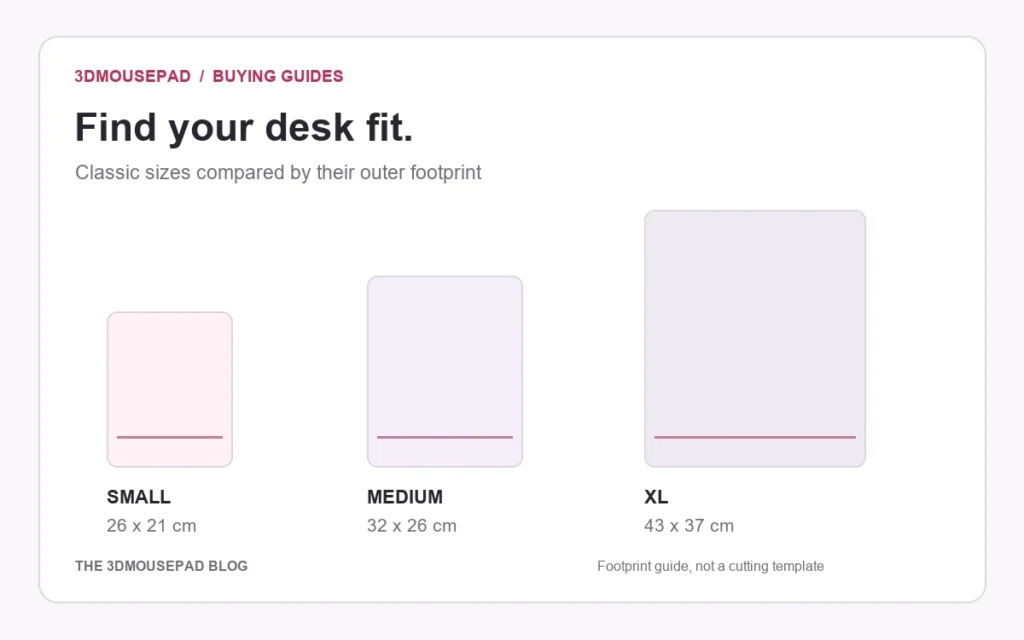
Both example pages currently offer Small · Standard at $32.99, Medium · Large at $49.99 and XL · Life-size at $109.99. Those options describe physical sizes within each product; selecting Medium does not change Version 02 into another design edition. Compare dimensions and maximum raised height in the size guide, then check the actual option on the intended page. Current product information remains the reference for price, availability and specifications.
Review gallery views as views of the same product
A front image, desk scene and side view can show one design from different perspectives. They are not automatically three separate editions. Conversely, two pages sharing a character name are not proven identical just because their prices match. The product-image guide explains those view types. If a gallery is missing or the design difference remains unclear, ask for clarification before choosing; a generic placeholder cannot establish the finished print.
Keep a precise reference for your order
Before ordering, check the product title, edition, version if present, chosen size and quantity together. Retain the product link or SKU with your order reference. If you need help distinguishing two listings, send both links to the store and identify the difference you are trying to confirm. This is more useful than a request for the same character again, particularly when several independently listed designs share a size menu.
Prepared by the 3DMousepad store team using our product specifications and published store guides. Product illustrations are not scale drawings. Check the product page for the current options, price and availability. Ask us about your setup or suggest a correction.
Keep exploring
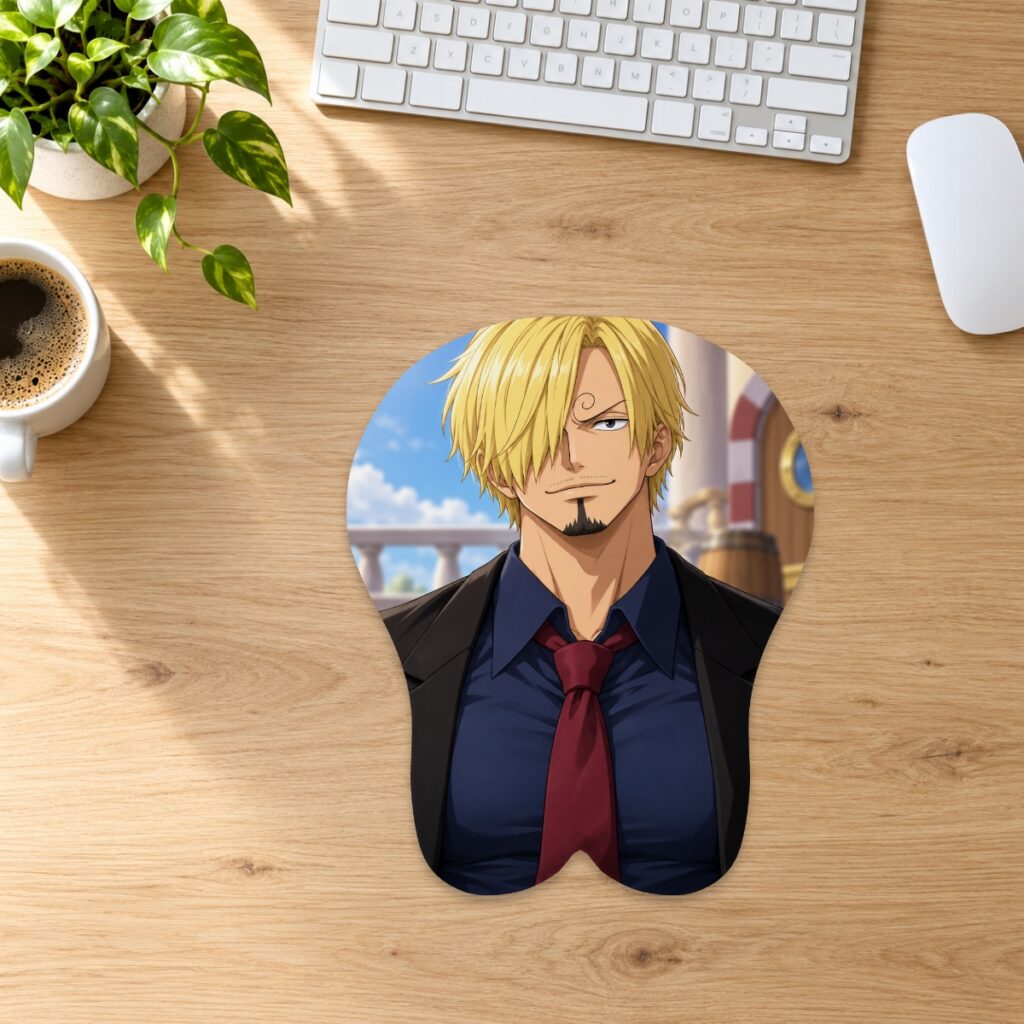
Ordering a Mousepad to an APO, FPO or DPO Address: Confirm Service First
Check service availability, address details, delivery charges and timing with the store before ordering a mousepad to an APO, FPO or DPO destination.
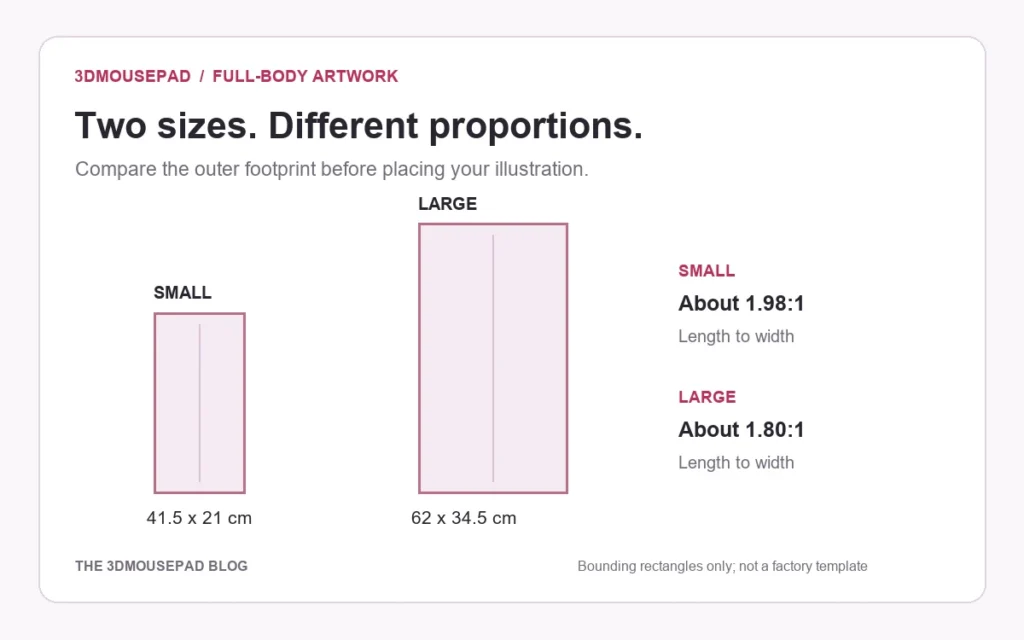
Bleed, Cut Line and Safe Area: Plan the Edges of a Custom Mousepad
Understand background bleed, the cut outline and space for essential details before reviewing a custom mousepad with a curved shape or decorative border.
Hand-Drawn Art on a Custom Mousepad: Scan and Prepare the Original
Prepare a scan of your drawing for a custom mousepad, with checks for enlargement, paper background, line detail and the final shaped crop.