Buying guides
Ordering a Mousepad to an APO, FPO or DPO Address: Confirm Service First
Check service availability, address details, delivery charges and timing with the store before ordering a mousepad to an APO, FPO or DPO destination.
Check service availability, address details, delivery charges and timing with the store before ordering a mousepad to an APO, FPO or DPO destination.
Contact the store before placing the order
The current shipping policy requires service confirmation for military addresses before ordering. If you use an APO, FPO or DPO destination, ask the store to review the intended address and product first. All products are dispatched from China; the company contact address in Denver is not the dispatch location. A general USPS shipping option on the website does not establish that the route for your particular address has been confirmed.
Use the recipient’s correct postal address
Get the complete postal address from the recipient instead of reconstructing it from a base name or a geographic location. The USPS military and diplomatic mail guide provides APO, FPO and DPO addressing examples and explains that mail must be addressed to a specific person. It also explains that destination restrictions apply. Use that official guidance as a reference for the address, while asking the store how the confirmed route should be entered for this order.
Provide the details needed for a service check
When you contact the store, include the product link, selected size, quantity and the postal destination you want checked. Supply the complete delivery address privately when needed to confirm service. Do not substitute a nearby ordinary city or change a postal code just to make checkout accept the entry. If a field does not represent the supplied address correctly, resolve it with the store before submitting the order. A form accepting an address is not a substitute for service confirmation.
Confirm the rate and estimated timing explicitly
Ask which delivery arrangement is available, what it will cost and what timing estimate applies to the destination. The store’s free USPS offer for eligible standard non-remote US destinations should not be treated as a quote for an unconfirmed military or diplomatic route. Likewise, do not select another carrier simply because it appears in the general shipping information. Confirm the arrangement for the actual address and selected items rather than assuming every published service can reach every destination.
Keep production time separate from the delivery estimate
The store currently lists standard preparation at 2–3 days and custom production at 3–5 days after artwork approval. Those stages take place before carrier transit. General transit estimates do not establish an arrival date for an address still awaiting service review. If the order is a gift or the recipient’s mailing address may change, explain that before ordering and ask whether the timing is workable. No APO, FPO or DPO delivery deadline is guaranteed by this article.
Keep the confirmation with the order details
Once the service, address and charges have been confirmed, retain the correspondence with the eventual order reference. Check that the order uses the agreed details and contact the store promptly if something differs. Use the order tracking page for the store order status when you have an Order ID and billing email; carrier tracking information is available after dispatch. An existing order requiring clarification should be reviewed under its own reference rather than replaced with a second order.
Prepared by the 3DMousepad store team using our product specifications and published store guides. Product illustrations are not scale drawings. Check the product page for the current options, price and availability. Ask us about your setup or suggest a correction.
Keep exploring
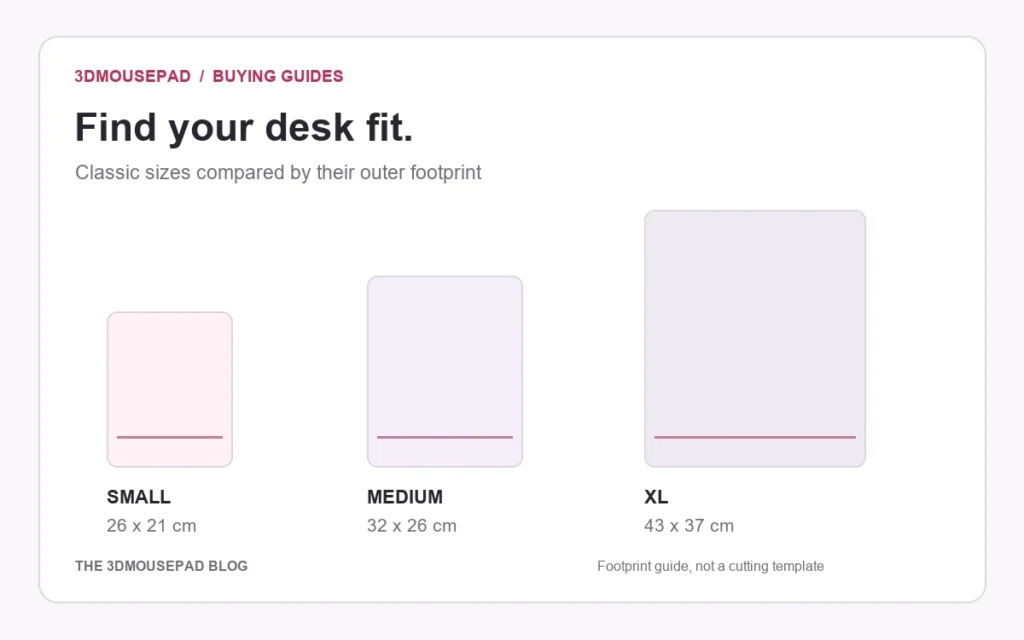
Mousepad Editions, Version Numbers and Sizes: How to Compare Listings
Separate character, design edition, version and size when comparing similar mousepad listings, with a practical example from the current collection.
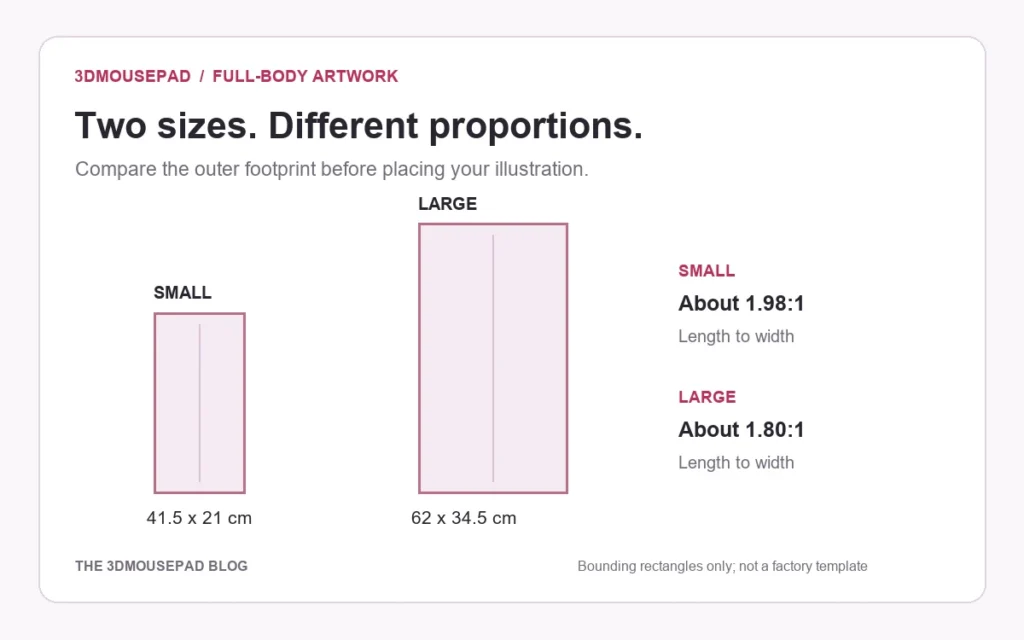
Bleed, Cut Line and Safe Area: Plan the Edges of a Custom Mousepad
Understand background bleed, the cut outline and space for essential details before reviewing a custom mousepad with a curved shape or decorative border.
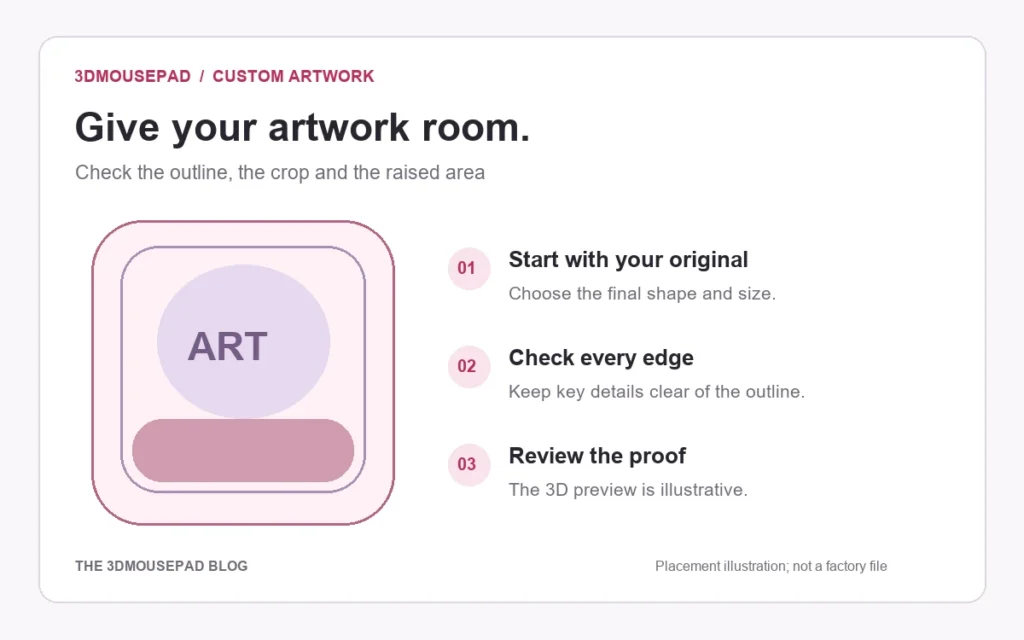
Hand-Drawn Art on a Custom Mousepad: Scan and Prepare the Original
Prepare a scan of your drawing for a custom mousepad, with checks for enlargement, paper background, line detail and the final shaped crop.