
Buying guides
Low-Sensitivity Gaming on a 3D Mousepad: Measure Your Mouse Travel
Measure your actual mouse movement before choosing a raised mousepad. Compare the clear movement area as well as the outer dimensions and support height.
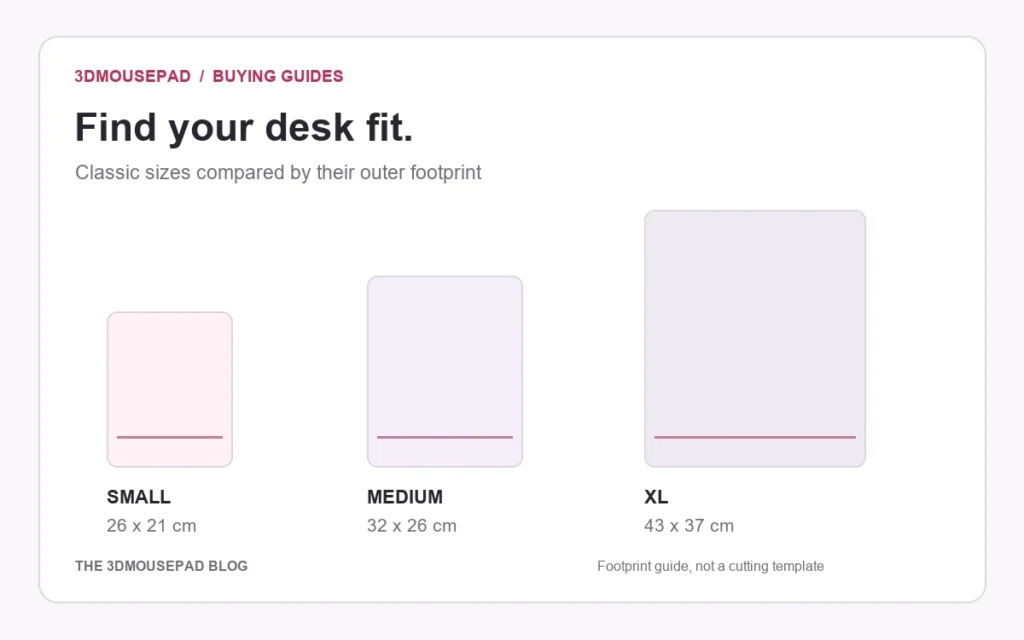
Measure your actual mouse movement before choosing a raised mousepad. Compare the clear movement area as well as the outer dimensions and support height.
Start with the movement your current setup needs
A character design can suit your desk visually while leaving too little room for the way you play. CORSAIR’s large-mousepad guidance describes the broad sweeps associated with low-sensitivity play. That is a reason to measure your own movement, not evidence that our raised pads match a particular gaming surface. Keep your current mouse and in-game settings while checking space so the comparison describes the setup you actually want to use.
Record the full area your mouse occupies
In a practice area or another non-competitive setting, perform the turns and aiming movements you normally make. Observe the left, right, front and back limits reached by the whole mouse, including its housing. Measure the resulting envelope on your current surface without marking the mousepad itself. Repeat ordinary movements as well as wider turns, and note whether you already lift and reposition the mouse. This is a personal fit check, not a test of a product you have not received or a recommendation for a particular sensitivity.
Use the outer measurements to rule out an obvious mismatch
The classic Small pad currently measures 26 cm top-to-bottom and at most 21 cm side-to-side. If your measured mouse envelope needs 28 cm side-to-side, it cannot fit within that 21 cm maximum width. This simple comparison can rule out a size before you consider its artwork. See the size guide for the current options. Passing an outer-width comparison is only a first screen: the curved outline and raised support mean the full bounding rectangle is not an unobstructed tracking area.
Check where the raised support meets the mouse path
Review the product’s front and side views, not just a top-down image. Compare where the support rises with where your mouse travels and where you normally reset it. Moving to a larger size also changes the product’s footprint and maximum raised height; it does not simply add a flat border around the same pad. A paper rectangle can help reserve desk space but cannot reproduce the actual curved shape or height. The product-image guide explains what each view helps you assess.
Include the keyboard and cable in the check
Reserve room for the keyboard, desk edge and other equipment as well as the pad. A broad mouse sweep that fits the pad but hits a keyboard corner is still a practical mismatch. If you use a wired mouse, check that the cable has enough clear travel across the same range; see the cable-clearance guide. Do not change settings solely to make a product’s advertised dimensions appear sufficient. Decide whether the resulting setup still suits your own use.
Choose according to the task, without assuming performance
If uninterrupted broad sweeps are essential and the raised shape leaves too little space, a larger flat surface may suit that gaming task better. A 3D character pad can still be considered separately for another desk or use. If the available pictures do not answer a specific fit question, ask the team with the product link, size, mouse model and measured envelope before ordering. Dimensions alone do not establish sensor compatibility, glide speed, aiming accuracy or an improvement in game results.
Prepared by the 3DMousepad store team using our product specifications and published store guides. Product illustrations are not scale drawings. Check the product page for the current options, price and availability. Ask us about your setup or suggest a correction.
Keep exploring
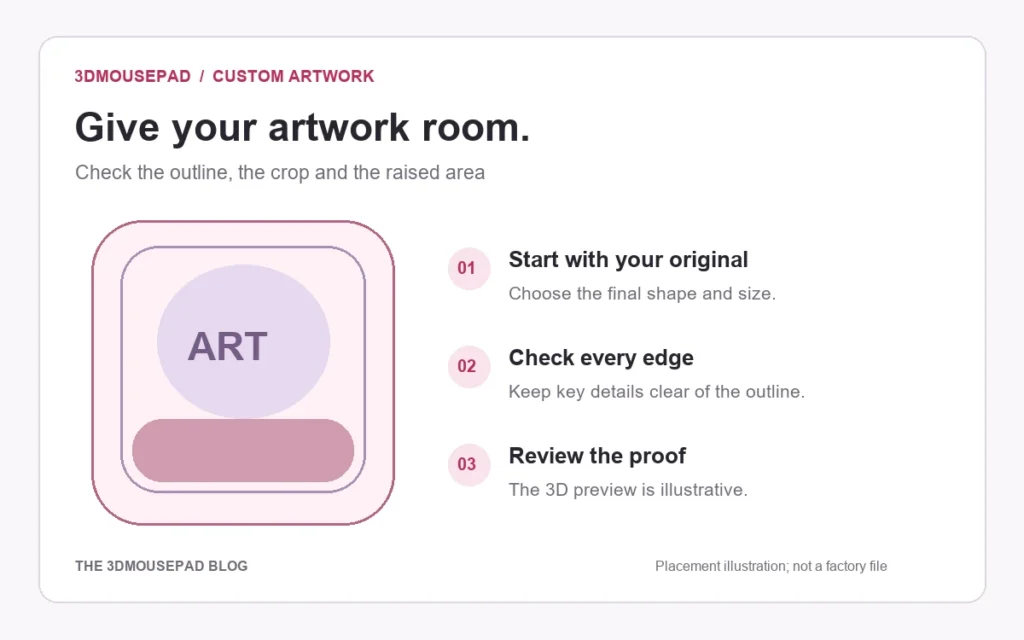
Japanese Text on a Custom Mousepad: Check Every Character
Check Japanese lettering, accents and font substitutions before exporting your mousepad artwork, then compare the saved image and production proof.
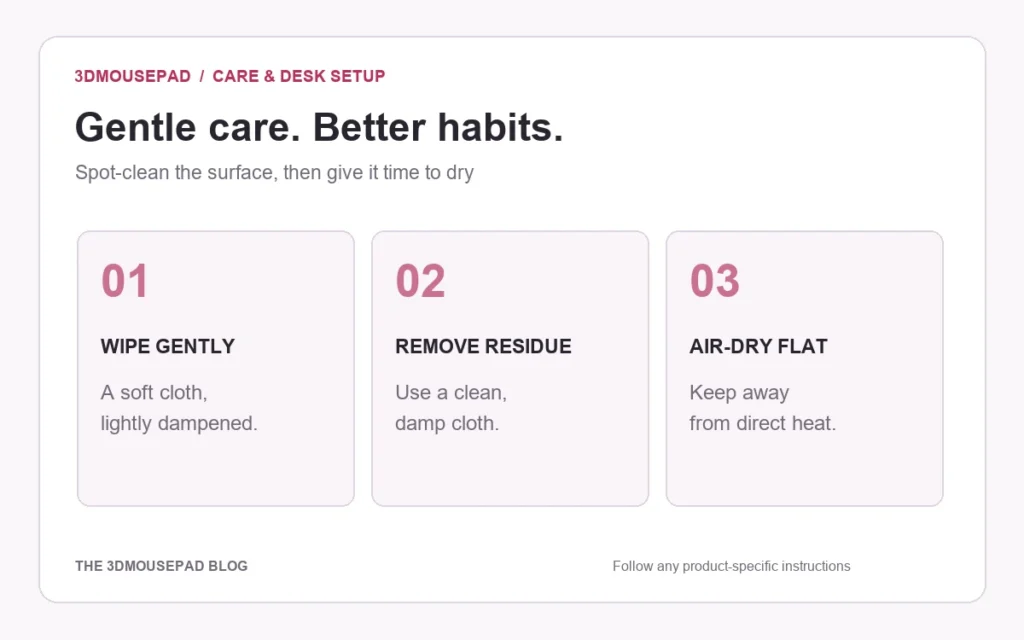
Spilled a Drink on Your 3D Mousepad? A Gentle Cleanup Checklist
Lift off surface liquid, clean gently and air-dry flat after a drink spill. Avoid soaking or squeezing the raised support, and stop if damage is visible.
Custom Mousepad Image Not Uploading? Check the File and Save Step
Find out whether a custom mousepad image is blocked by its format, dimensions, review checks or connection, while keeping your original and layout safe.