Care & desk setup
Spilled a Drink on Your 3D Mousepad? A Gentle Cleanup Checklist
Lift off surface liquid, clean gently and air-dry flat after a drink spill. Avoid soaking or squeezing the raised support, and stop if damage is visible.
Lift off surface liquid, clean gently and air-dry flat after a drink spill. Avoid soaking or squeezing the raised support, and stop if damage is visible.
Stop using the wet pad and limit the mess
Set the drink aside and keep the mouse off the affected surface. If you can move the pad safely, support it from underneath and place it flat on a clean, dry surface away from the spill. Gently lift surface liquid with a clean, soft, absorbent cloth rather than scrubbing it into the print or pressing hard on the raised area. Do not wring or sharply fold the pad to remove liquid. This is a conservative response to an ordinary drink spill, not a claim that the product is waterproof.
Inspect before adding water or cleaner
Check the fabric, edge seams and raised support for visible damage. Note what was spilled and where it landed. If you see a split seam, exposed filling or another damaged area, stop using the item and contact the team with photos before trying more cleaning. Do not probe a seam or open the support to see inside. Instructions supplied with your specific item take priority over this general guide; a liquid spill is not a reason to assume the whole product can be immersed.
Use the store’s gentle surface-cleaning method
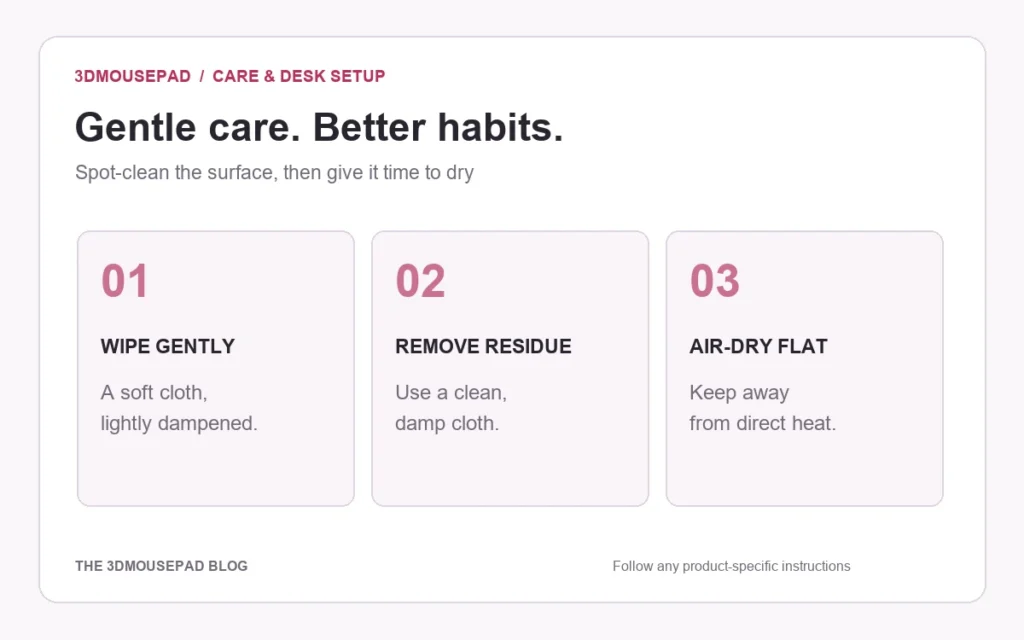
For an intact surface, begin with a soft cloth lightly dampened with cool water. Wipe gently and avoid pushing liquid into seams. If a mark needs more attention, use a little mild soap and test an inconspicuous area first, as described in the care guide. Remove soap residue with a clean damp cloth. Work patiently rather than increasing pressure when a mark remains. This method does not promise to remove every drink stain or restore a damaged print.
Leave the raised shape alone while it dries
Air-dry the pad flat, away from direct sunlight, heaters and hot surfaces. Do not squeeze the support to check for moisture, place heavy items on it, or use a hair dryer to accelerate drying. Machine washing, tumble drying, ironing, soaking and wringing are outside the general care instructions unless product-specific instructions expressly allow them. There is no single drying time established here: the amount of liquid and conditions vary. Resume use only when the pad is fully dry, including its underside and edges.
Decide when to stop cleaning
Once dry, inspect the surface and shape again. If stickiness, an unusual texture, a changed shape or a persistent mark remains, ask the team before applying stronger products. Do not move from mild soap to bleach, solvents or abrasive brushes. If you are unsure whether liquid reached the interior, keep it out of use and explain that uncertainty in your message rather than assuming a dry-looking top settles the question. Photos of the whole pad and affected area can help describe the issue without damaging it further.
Keep support questions separate from a return decision
If you need help, give the order number, drink type, affected area and cleaning steps already taken through private support. Describe the incident accurately; a care inquiry does not by itself establish a manufacturing fault or an agreed refund. The returns policy explains how to request a review and who pays shipping in the different circumstances. Do not send the item to the business or parcel dispatch address without instructions. For future use, keeping drinks beyond the pad’s outline is a simple way to reduce repeat spills.
Prepared by the 3DMousepad store team using our product specifications and published store guides. Product illustrations are not scale drawings. Check the product page for the current options, price and availability. Ask us about your setup or suggest a correction.
Keep exploring
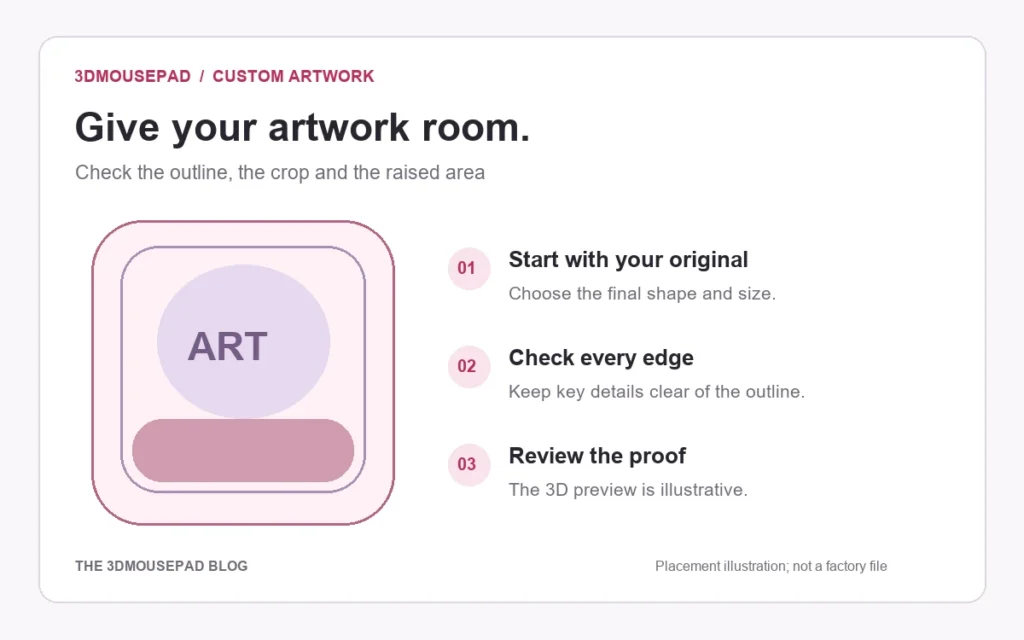
Custom Mousepad Image Not Uploading? Check the File and Save Step
Find out whether a custom mousepad image is blocked by its format, dimensions, review checks or connection, while keeping your original and layout safe.
Mousepad Tracking Says Delivered, but You Cannot Find the Parcel?
Check the delivery scan, safe locations and building reception, then contact the store with the order and tracking details if your mousepad is missing.
Pixel Art on a Custom Mousepad: Plan the Grid Before Uploading
Prepare a deliberate pixel-art layout, compare its scale and review the raised area before ordering. A higher pixel count alone does not validate printing.