Custom artwork
Custom Mousepad Image Not Uploading? Check the File and Save Step
Find out whether a custom mousepad image is blocked by its format, dimensions, review checks or connection, while keeping your original and layout safe.
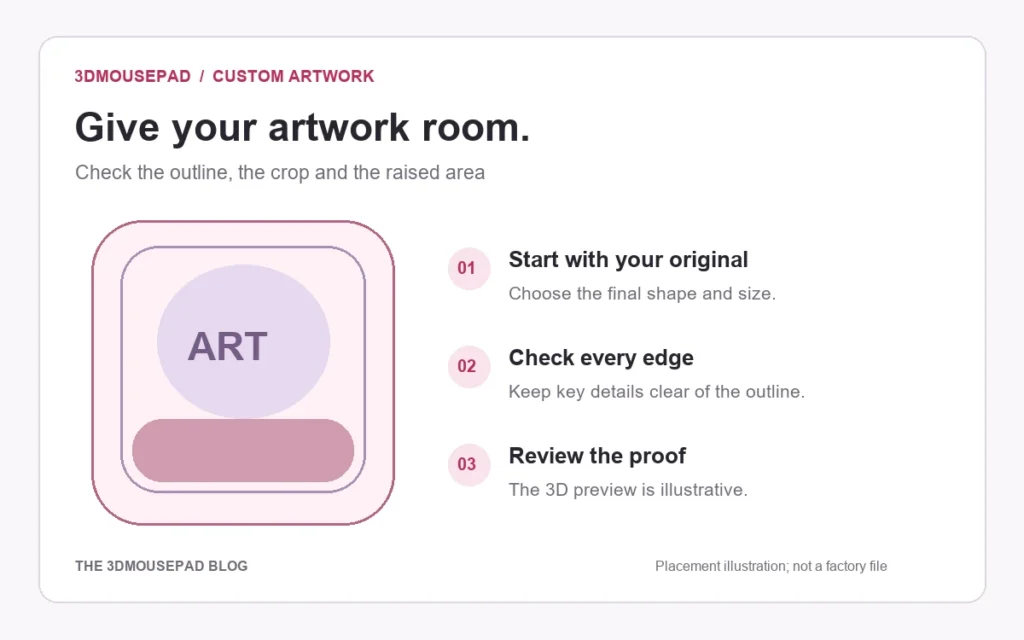
Find out whether a custom mousepad image is blocked by its format, dimensions, review checks or connection, while keeping your original and layout safe.
Identify when the problem happens
Notice whether the image fails as soon as you choose it, appears in the layout but will not save, or saves successfully but does not reach your cart. These are different stages. Note the exact message and which action produced it before trying again. A picture visible in the editor has loaded for preview; that alone does not show that the design was saved on the server or attached to an order. Keep the page open and retain the original file while you investigate.
Check the actual file format and file size
The custom artwork guide accepts genuine JPG, PNG and WebP files up to 20 MB. Renaming a HEIC, PDF or other file with a .jpg ending does not convert its contents into an accepted image. Export a separate copy in an accepted format using an image editor, then open that copy before selecting it in the studio. Keep the original intact. If the file exceeds the limit, prepare a smaller working export and inspect its detail rather than replacing it with a screenshot of the artwork.
Check pixel dimensions as well as megabytes
The current studio also limits images to 60 megapixels in total and 12,000 pixels on either side. Both checks apply. For example, an 8,000-by-8,000 image contains 64 million pixels and exceeds the total limit even if its compressed file is below 20 MB. Check width and height in your image editor or file information. Resize a working copy only as needed, preserving the aspect ratio, then inspect it again. File acceptance and suitable detail at the chosen print size are separate questions.
If the preview loads, check the review requirements
Before saving, confirm that you have permission to reproduce the artwork and have reviewed its placement. If effective resolution is below 150 DPI, the studio requires acknowledgment of the quality warning. Acknowledging it does not sharpen the image or guarantee the print result. Try a better original, less zoom or a smaller pad where appropriate, then review the crop again. The custom studio assesses resolution for the current size and placement, so changing either can change the warning.
For a timeout, preserve the work before retrying
If the message identifies an interrupted connection or unavailable server, keep the tab open, check that your connection is working and retry the failed action after it has stopped. Avoid repeatedly pressing Save or opening several competing copies of the same layout. Before refreshing, switching browsers or clearing site data, keep your original, a saved layout if available, and notes of the selected size and placement. Browser drafts are device-specific; they are not a substitute for your own copy. If an order confirmation already exists, do not place another order to troubleshoot the upload.
Send useful details if the problem continues
Contact the team through the private support route with the error text, the stage that failed, file format, file size, pixel dimensions, selected pad option and your device and browser. Include a screenshot of the message if helpful, with unrelated private information hidden. A screenshot can explain an error; it should not replace the original artwork. If the layout did save, mention that fact and any available design or order reference so the team can distinguish a saving issue from a cart or order question.
Prepared by the 3DMousepad store team using our product specifications and published store guides. Product illustrations are not scale drawings. Check the product page for the current options, price and availability. Ask us about your setup or suggest a correction.
Keep exploring
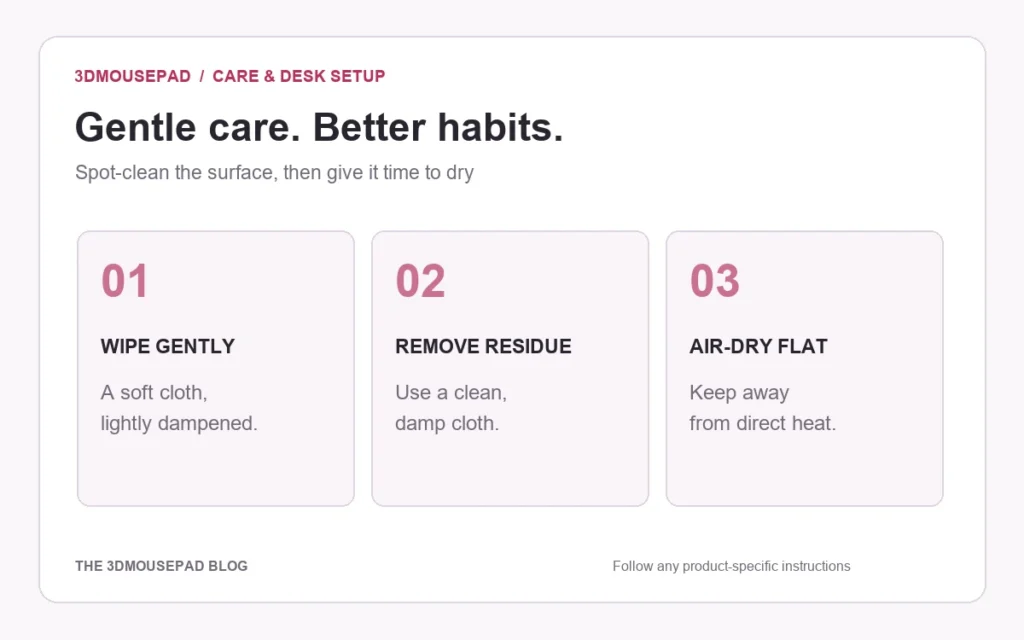
Spilled a Drink on Your 3D Mousepad? A Gentle Cleanup Checklist
Lift off surface liquid, clean gently and air-dry flat after a drink spill. Avoid soaking or squeezing the raised support, and stop if damage is visible.
Mousepad Tracking Says Delivered, but You Cannot Find the Parcel?
Check the delivery scan, safe locations and building reception, then contact the store with the order and tracking details if your mousepad is missing.
Pixel Art on a Custom Mousepad: Plan the Grid Before Uploading
Prepare a deliberate pixel-art layout, compare its scale and review the raised area before ordering. A higher pixel count alone does not validate printing.