Custom artwork
Dark Artwork on a Custom Mousepad: Check the Shadow Detail
Keep a dark illustration’s mood while checking whether essential hair, clothing and lettering remain distinguishable in the source and reviewed layout.
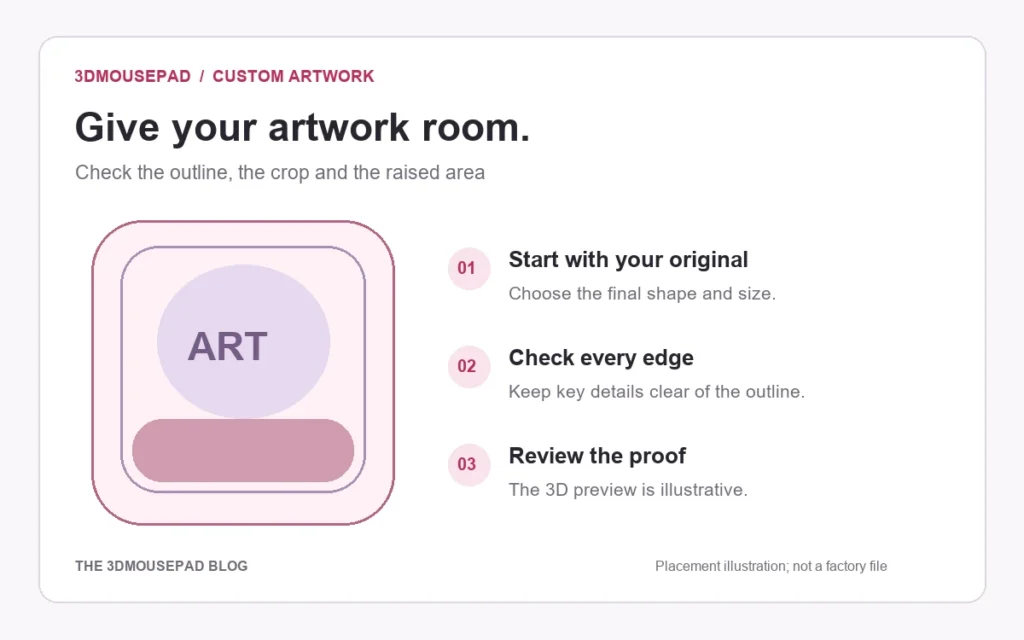
Keep a dark illustration’s mood while checking whether essential hair, clothing and lettering remain distinguishable in the source and reviewed layout.
Decide which dark details must remain visible
A night scene or dark costume can be an intentional style choice. Before editing, identify the few features that matter: a face against dark hair, lettering on a jacket or the boundary between a character and the background. Open the best original and inspect those areas. Decide whether a solid silhouette is deliberate or whether you expected to see separate lines and folds. This gives the review a concrete purpose instead of treating every dark region as a problem that needs brightening.
Use a histogram as a clue, not a pass-or-fail test
Adobe’s Histogram panel guide explains that shadows appear on the left of the graph and that low-key images naturally concentrate tones there. It also describes clipping at the tonal extremes. If your editor has a histogram, compare it with the actual area of concern. A left-heavy graph alone does not prove the artwork is wrong. Equally, lifting a region that has already become one solid value does not reconstruct missing linework. There is no supplier-approved black-value threshold established by this article.
Make a controlled working copy
Keep the original and make a separate candidate for any change. Adjust the specific area you want to clarify where your editor allows it, then compare the whole image as well as the close-up. Check that a clearer jacket outline has not turned the intended night scene into a pale background or changed the face unexpectedly. If the source itself lacks the detail you need, ask the artist for a better export or a deliberate revision. Repeatedly increasing the brightness of the same flattened copy is not a substitute for that source detail.
Compare the same file under consistent viewing conditions
Do not alternate between different screenshots, filtered copies and display modes while judging a revision. Reopen the exact export intended for upload. The screen and print color guide explains why monitor settings and fabric can affect appearance; a second screen is not a certified print reference. A studio view may also show less detail than the source, as explained in the preview sharpness guide. Separate those display questions from a genuine loss of detail in your original.
Review the final size and raised area
In the custom studio, choose the intended family and size, then inspect the crop and resolution after moving or zooming the image. Check whether the important dark details are large enough to judge and clear of the curved edge and raised support. Compare flat and 3D views without treating simulated light on the support as a measurement of printed shadow detail. A higher resolution reading does not recover indistinguishable tones, and a brighter preview does not certify a fabric result.
Identify the critical area in the proof discussion
Keep the chosen export clearly named and tell the team which dark feature needs to remain distinguishable. Resolve that question before artwork approval rather than sending several unexplained brighter versions. The artwork guide sets out the current source, placement and proof requirements. If exact tonal separation is essential, ask which production checks are available instead of assuming a printed sample or a numerical tolerance is included. Approve the reviewed revision only when its limitations are understood; a saved studio design alone does not start production.
Prepared by the 3DMousepad store team using our product specifications and published store guides. Product illustrations are not scale drawings. Check the product page for the current options, price and availability. Ask us about your setup or suggest a correction.
Keep exploring
Suspicious Delivery Text After a Mousepad Order? Verify It Safely
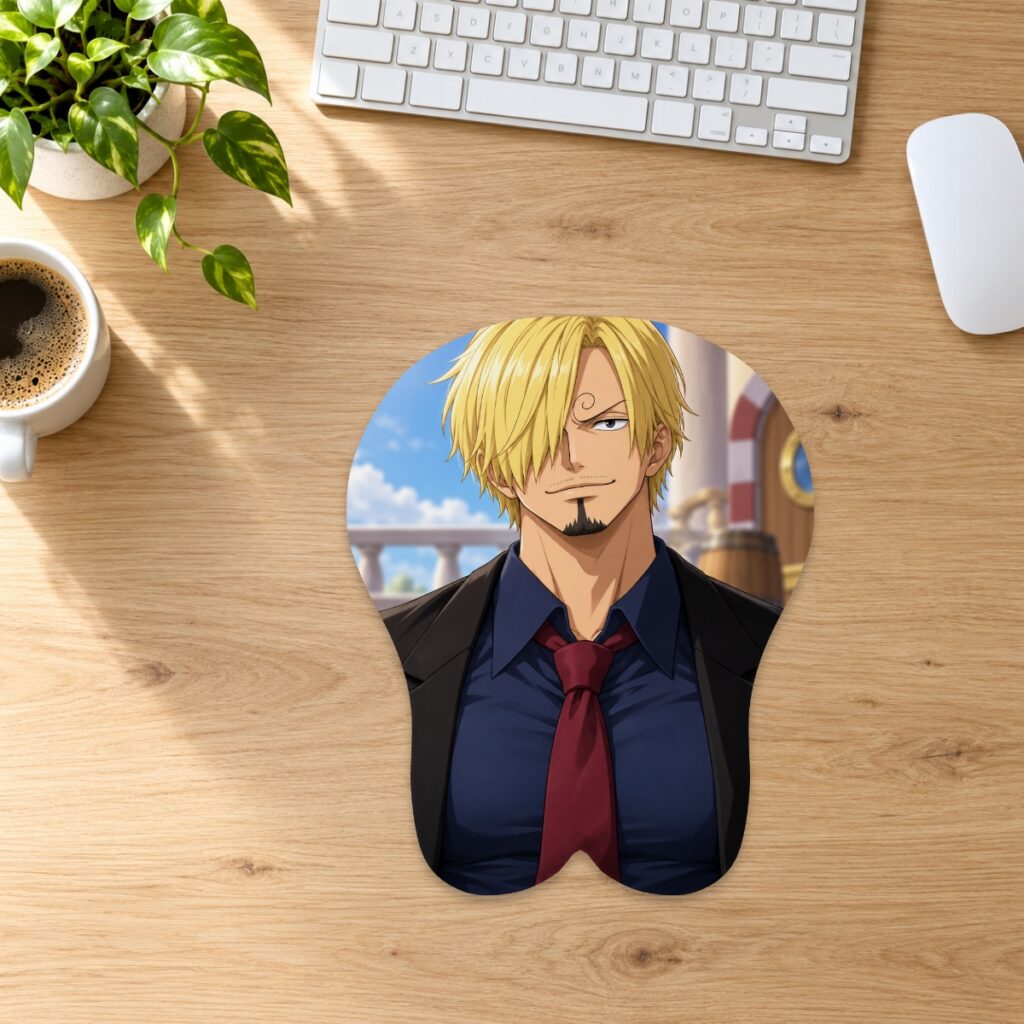
Verify an unexpected delivery message through your actual mousepad order and the carrier’s official site before sharing information or following a payment link.
Using a Trackball with a 3D Mousepad: Check the Base and Raised Area
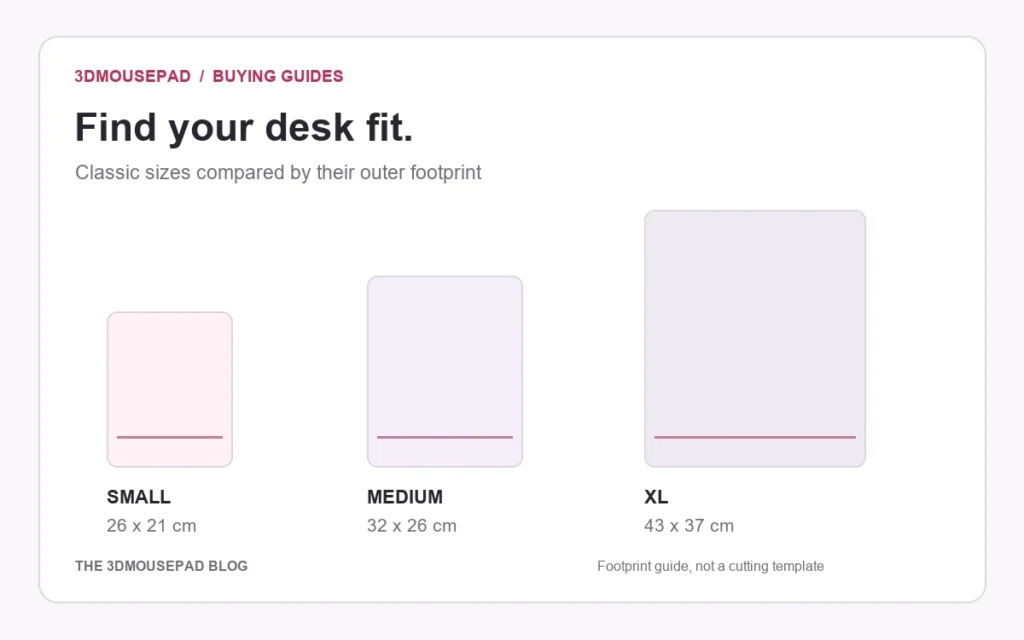
A trackball needs a stable place for its base, rather than room for mouse sweeps. Check whether a raised mousepad leaves the whole device supported.
SVG or Illustrator Artwork for a Custom Mousepad: Export a PNG Copy
Turn editable vector artwork into an accepted PNG upload while keeping the master file, checking the artboard and reviewing detail at the chosen pad size.