Custom artwork
SVG or Illustrator Artwork for a Custom Mousepad: Export a PNG Copy
Turn editable vector artwork into an accepted PNG upload while keeping the master file, checking the artboard and reviewing detail at the chosen pad size.
Turn editable vector artwork into an accepted PNG upload while keeping the master file, checking the artboard and reviewing detail at the chosen pad size.
Keep the editable master and make an upload copy
The custom studio accepts genuine JPG, PNG and WebP images up to 20 MB. SVG and Illustrator AI files are not direct upload formats. Open your source in an application that supports it and export an accepted image, rather than changing the filename ending. Keep the editable source separately so text, paths and layout can be revised later. If an artist supplied the file, ask for a suitable export if you cannot open it reliably, and confirm you have permission to reproduce the design.
Choose the artboard that contains the intended composition
Check that the correct artwork, background and lettering are visible before exporting. Remove unrelated reference objects from the upload composition and inspect the area around the subject. Adobe’s Illustrator export guide describes File > Export > Export As, selecting PNG, and using the artboard and range options to control what is exported. If your document has several versions or artboards, give the intended output a clear name and open that actual file before continuing. Other applications have their own export controls.
Plan pixel dimensions for the intended placement
A PNG is a pixel image, so inspect the output dimensions rather than assuming that the editable source makes every export suitable. The store recommends 300 DPI at the selected print size. As a scale example, artwork occupying 10 cm of width needs about 1,181 pixels across that width at 300 pixels per inch: 10 ÷ 2.54 × 300. This is an artwork-detail example, not the full pad dimensions, a bleed allowance or a factory template. The size guide establishes the actual product family and size.
Inspect the exported file for changes
Open the PNG and check small text, linework, transparency and the chosen background. Compare it with the source to catch missing objects, clipped lettering or an unwanted border. Check any photographs within the composition as well as the vector shapes; do not assume the whole picture has equally detailed source material. Keep the export within the current upload limits and preserve the master instead of repeatedly overwriting it. The upload troubleshooting guide covers file size and pixel-dimension limits separately.
Review the crop after uploading
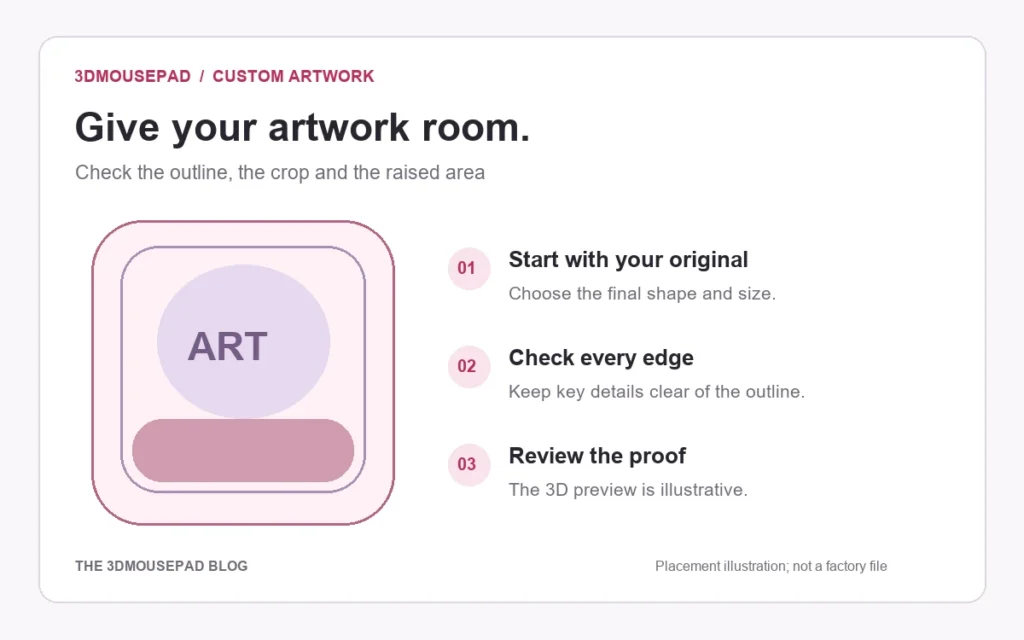
Select the final family and size in the custom studio. Compare Fill pad and Fit image, then adjust placement and inspect the flat and 3D views. Resolution is assessed for that size and crop; increasing zoom can change the result. Keep essential text and faces away from the curved edge and raised support. An accepted file or a positive resolution reading does not certify exact print detail or color. If the result depends on precise placement, resolve the question before approving production.
Keep the source, export and approved proof identifiable
Use filenames that distinguish the editable master from the PNG upload and the proof you eventually approve. If you revise a line of text after exporting, export again and verify that the selected upload is the new revision. Keep the previous approved reference until the change is settled. The custom artwork guide explains the review and ordering steps. A saved PNG composition is useful artwork input; it is not, by itself, an accepted order or a supplier-approved production file.
Prepared by the 3DMousepad store team using our product specifications and published store guides. Product illustrations are not scale drawings. Check the product page for the current options, price and availability. Ask us about your setup or suggest a correction.
Keep exploring
Using a Trackball with a 3D Mousepad: Check the Base and Raised Area
A trackball needs a stable place for its base, rather than room for mouse sweeps. Check whether a raised mousepad leaves the whole device supported.
Mousepad Parcel Returned to Sender: What to Check Next
Check why the carrier is returning your mousepad, contact the store with the tracking record and confirm the next step before placing another order.
Why Your Custom Mousepad Preview May Look Softer Than the Original
Compare the original artwork, placement and resolution check before judging a soft studio preview. The on-screen view is separate from the uploaded source.