Custom artwork
Why Custom Mousepad Colors May Differ from Your Screen
Review source files, viewing conditions and proof limits when color matters for a custom mousepad, with practical checks before and after ordering.
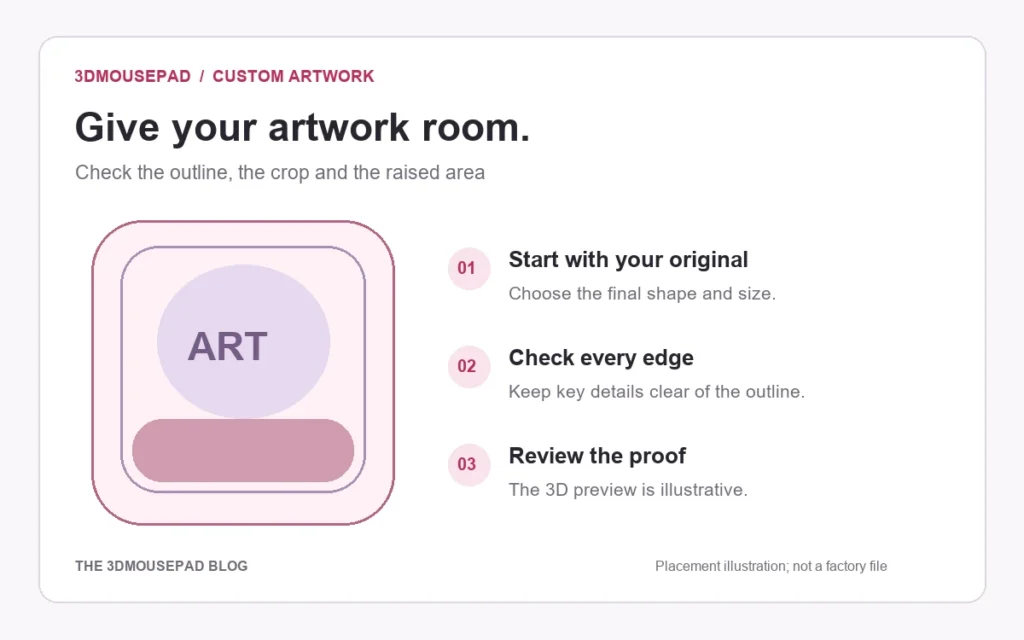
Review source files, viewing conditions and proof limits when color matters for a custom mousepad, with practical checks before and after ordering.
Different devices and materials can show color differently
A color displayed on a phone is not a physical reference for a fabric print. Adobe’s color management guide explains that devices have different reproducible color ranges and that image sources, software and print media can affect appearance. Our custom artwork guide also notes that monitor settings, fabric and the raised shape can affect the result. These limitations explain why a screen match is not guaranteed; they do not decide whether a particular delivered item has a quality problem.
Compare the same original before changing anything
If two screens show different colors, first check that they are displaying the same exported file. A screenshot, filtered copy or chat preview may not be the source you intended to upload. Keep the editable original and a clearly named final export. Note any active display setting that intentionally changes color or brightness, and avoid changing the artwork repeatedly to chase a different appearance on every device. A second screen is a comparison point, not a certified reference for the print.
Ask about critical colors before approving the design
Identify the part that matters: a background intended to match another desk item, for example, or a particular brand color you have permission to reproduce. Explain the requirement to the store before ordering. Ask which reference and production checks are available rather than assuming a color name, RGB number or screenshot establishes a physical match. This guide does not promise a custom ink, supplier profile, printed sample or numerical color tolerance. Any exact-match requirement needs a specific agreement.
Keep color edits separate from placement edits
Changing the crop to make a face larger is a different revision from changing its colors. Save those decisions clearly so a brighter color study is not confused with the final layout. Follow the studio’s current upload requirements: genuine JPG, PNG or WebP, up to 20 MB. Do not make an arbitrary color-profile conversion just because an unrelated print tutorial recommends one. If the supplier needs a particular export or profile, confirm that requirement for this product before making the production copy.
Understand what an on-screen proof can confirm
Use the proof to compare the intended file, artwork version, crop and selected size. A digital preview is not a supplier-approved physical color sample. Inspect the flat layout and the raised-area views, but do not treat their simulated lighting as a measurement of the finished print. Keep your final export and the accepted proof together. If a revision changes the artwork, review the new version from the beginning instead of assuming an earlier color discussion still describes it.
Describe a delivered color concern specifically
If the print looks wrong, contact the store with your order number, the relevant proof or file reference, a complete-item photo and a close-up of the affected area. Explain the difference you see without applying a filter to demonstrate it. A photograph helps describe a concern but is not itself a calibrated color measurement. Keep the item and packaging while it is reviewed. The returns policy covers standard and custom mousepads and explains requests within 30 days after delivery; a general screen-color limitation does not replace that review.
Prepared by the 3DMousepad store team using our product specifications and published store guides. Product illustrations are not scale drawings. Check the product page for the current options, price and availability. Ask us about your setup or suggest a correction.
Keep exploring
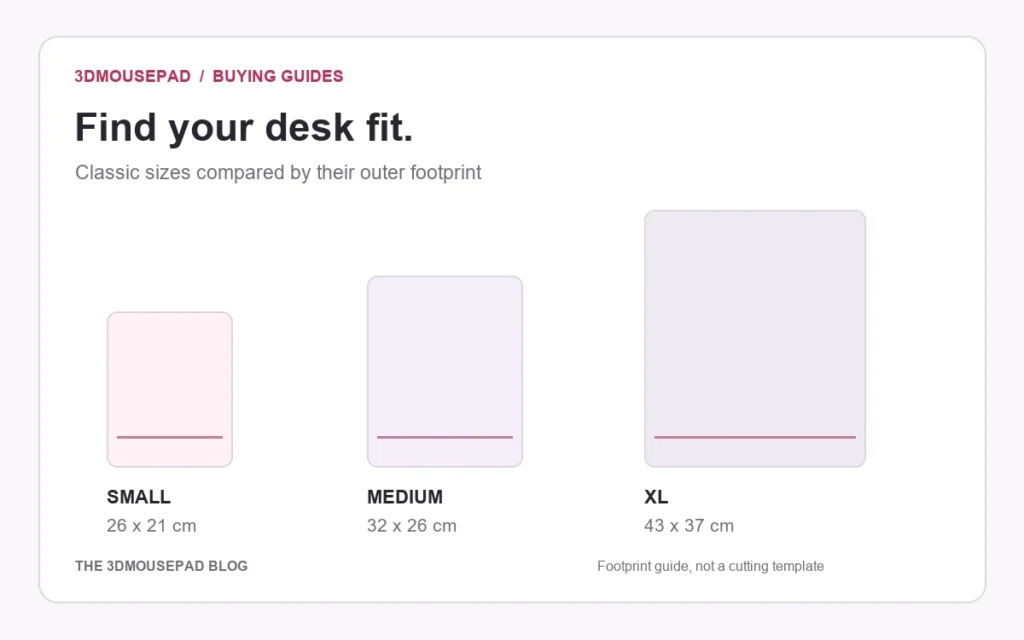
Wide Artwork on a 3D Mousepad: Compare Crop and Background Space
Use a worked landscape-image example to compare Fill pad and Fit image, then check curved edges and the raised area at your chosen mousepad size.
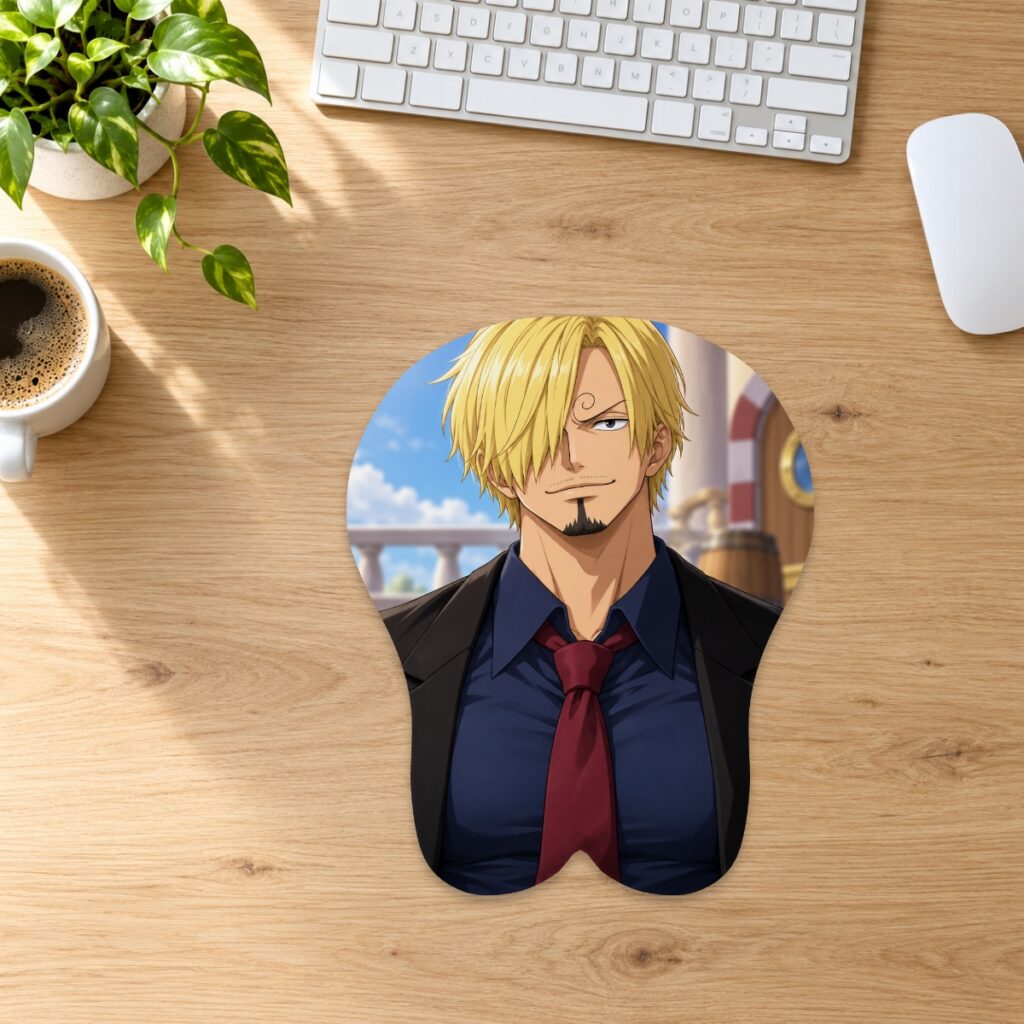
Using a Wired Mouse with a 3D Mousepad: Keep the Cable Clear
Check cable slack, keyboard edges and the raised wrist support when arranging a wired mouse on a 3D mousepad, without crowding its movement area.
QR Codes on a Custom Mousepad: Layout and Testing Checks
Planning a QR code in custom mousepad artwork? Check its destination, clear margin, crop and physical test requirements before approving production.