Custom artwork
Two Characters on One Custom Mousepad: Plan the Layout
Keep both characters recognizable in a shared mousepad design by checking their scale, spacing and position inside the curved outline.
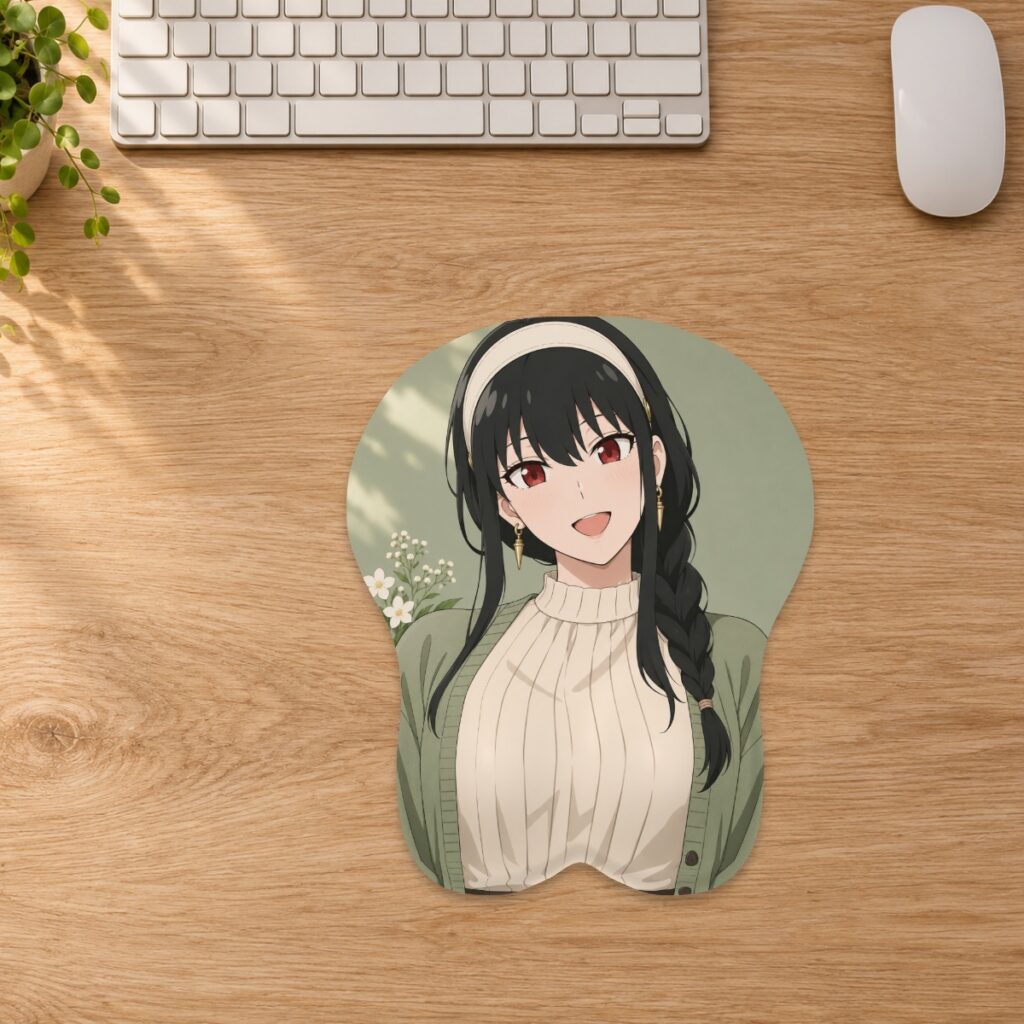
Keep both characters recognizable in a shared mousepad design by checking their scale, spacing and position inside the curved outline.
Choose the focal point before uploading
Decide whether both characters should have equal visual importance or whether one is the main subject. A balanced pair does not require identical poses, but both faces need enough room to remain readable. Start with artwork you own or have permission to reproduce. The custom studio positions an uploaded image; prepare a combined composition in your artwork editor before uploading if your characters are in separate files.
Compare side-by-side and staggered arrangements
A side-by-side composition may require smaller figures to keep both within the curved sides. A staggered arrangement can use the vertical space, but check that the lower character does not disappear into the raised area. Try both layouts with the same pad shape and size before adding text. Do not judge the result from the rectangular source image alone.
Leave space around both silhouettes
Look at ears, hair, shoulders and accessories as well as faces. A character near an outer edge can lose an important detail even when the other fits comfortably. Reduce the whole composition or revise the source artwork rather than stretching one figure. Review the custom artwork guide for Fill pad, Fit image and placement controls.
Use a shared background to unite the pair
A quiet background can give separate figures a common setting without adding another focal point. If one source has a white rectangle behind it, that rectangle is part of the image unless you remove it in your working file. Check the edges of both figures against the proposed background. Our background guide explains what to review before uploading.
Check the final size, not just the largest preview
Select the intended option in the studio and inspect both faces in the flat layout and the illustrative 3D view. Smaller figures can make expressions and fine accessories harder to distinguish. Check effective resolution after cropping and zooming; enlarging a low-detail source cannot recover missing detail. Compare sizes in the size guide if the composition feels crowded.
Approve the pair as one composition
Before approving a production proof, check that both characters, the background and any text match the intended revision. Keep the original combined artwork and the size-specific layout together. A studio preview is not a supplier-approved proof. If the arrangement depends on exact alignment with the raised support, ask the store to review it before ordering.
Prepared by the 3DMousepad store team using our product specifications and published store guides. Product illustrations are not scale drawings. Check the product page for the current options, price and availability. Ask us about your setup or suggest a correction.
Keep exploring
Ordered the Wrong Mousepad Size? Plan an Exchange
Check your order stage, measure the replacement size and contact the store before returning a mousepad that does not fit your desk.
Can You Put a 3D Mousepad on Top of a Desk Mat?
Check flatness, stability and usable mouse space before layering a 3D mousepad over a desk mat. Test your own setup rather than assuming the layers will grip.
Choosing a Pet Photo for a Custom 3D Mousepad
Choose a pet photo with a clear face and room around the subject, then check how ears, paws and markings fit the curved mousepad layout.