Buying guides
Finding a Character Mousepad: Use Search, Series Filters and Sorting
Start with a character search or series filter, then compare the exact design page and size. Sorting helps browse the collection without defining quality.
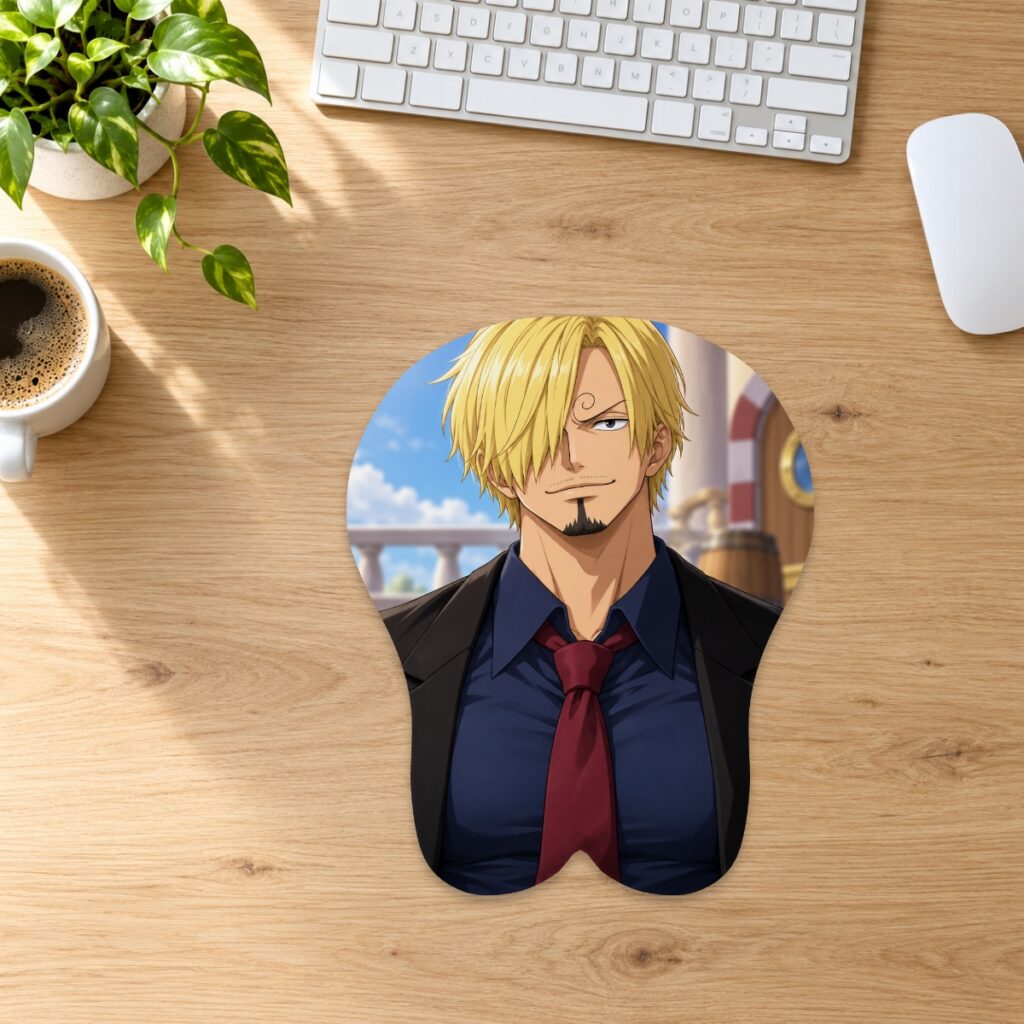
Start with a character search or series filter, then compare the exact design page and size. Sorting helps browse the collection without defining quality.
Start with the character name you know
Use the store’s product search to look for the character, rather than scrolling through every arrival. For example, a search for Raiden Shogun currently finds Genshin Impact listings that share that character name. Read the complete result title before choosing: one character can appear in several separately named designs or editions. Search is a way to find candidates, not confirmation that every result is the same product. Keep the intended product link once you identify a promising page.
Browse by series when the name is uncertain
On the Shop page, the Series and Character controls let you narrow the collection. A series such as Genshin Impact can be a useful starting point when you remember the game but not the character’s English spelling. Apply the series choice and inspect the resulting titles before narrowing further. If a combination gives no results, return an unnecessary control to its All option and broaden the search. A narrow combination producing nothing does not establish that the character is absent from the entire collection.
Use sorting for the question you are trying to answer
The current sorting choices include Newest arrivals, Name: A–Z, and price in either direction. Product search also offers Relevance. Choose Newest arrivals when you want recently listed products, or Name: A–Z when scanning known names. The top position is not a claim about popularity, official licensing or build quality. A newer listing can be another design for a familiar character; it is not automatically an upgraded physical model. If you are comparing costs, check the actual size selection on each product page as well as the listing price.
Separate the design page from its size options
Once you find the character, compare the edition or design name and any version number. Those identify which listing you are opening. Size is a separate selection within that product. The edition and version guide explains this distinction with current examples. Then use the size guide to compare outer dimensions and maximum raised height. Do not choose a physical size solely because two cards begin with the same character name or item price.
Check the chosen page before adding it to your cart
Read the current description, options and availability for that exact product. A search card is a shortcut to the page, not the complete specification. Review the artwork and views that are available there; a placeholder or an unclear gallery cannot establish the finished design. If several tabs are open, keep the title, link and selected size together so you do not accidentally order a different version. Search-result counts and collection contents can change as the store adds or updates listings.
Send a precise request if you still cannot find it
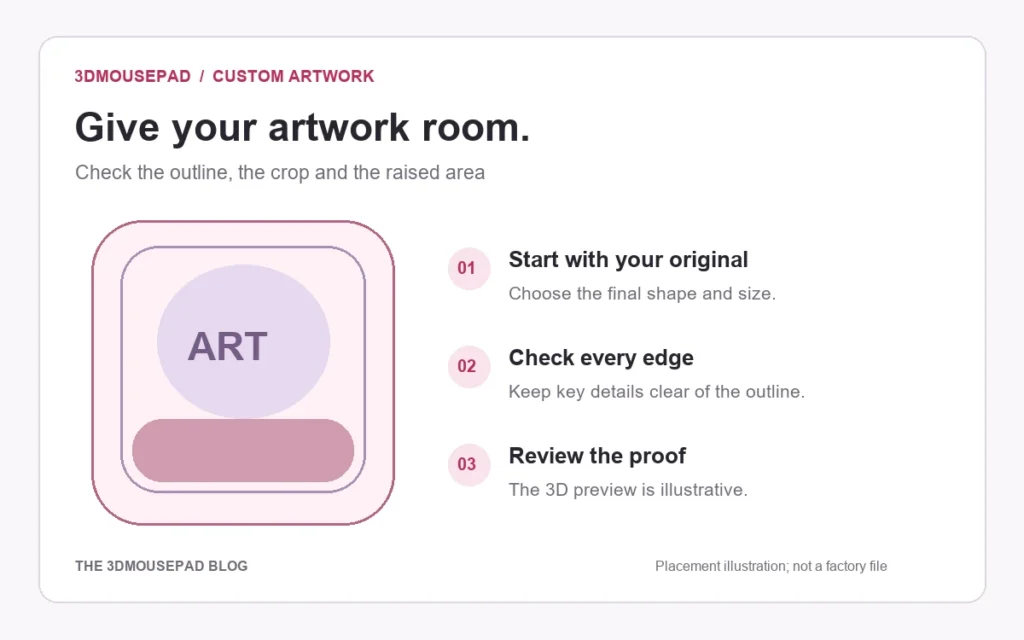
Use the contact page with the character name, series name and links to any similar results you found. Say whether you are looking for a missing character, a specific design edition or clarification between two pages. That is more useful than asking only for “the other version.” If you want to use your own image instead, the custom artwork guide explains accepted files, reproduction permission and proof review. A search miss does not promise that a new design can be supplied.
Prepared by the 3DMousepad store team using our product specifications and published store guides. Product illustrations are not scale drawings. Check the product page for the current options, price and availability. Ask us about your setup or suggest a correction.
Keep exploring
Ordering Two Custom Mousepads with Different Images
Create a separate saved design for each different image, then match every cart line to its artwork, size and quantity before ordering.
Suspicious Delivery Text After a Mousepad Order? Verify It Safely
Verify an unexpected delivery message through your actual mousepad order and the carrier’s official site before sharing information or following a payment link.
Dark Artwork on a Custom Mousepad: Check the Shadow Detail
Keep a dark illustration’s mood while checking whether essential hair, clothing and lettering remain distinguishable in the source and reviewed layout.