Custom artwork
Ordering Two Custom Mousepads with Different Images
Create a separate saved design for each different image, then match every cart line to its artwork, size and quantity before ordering.
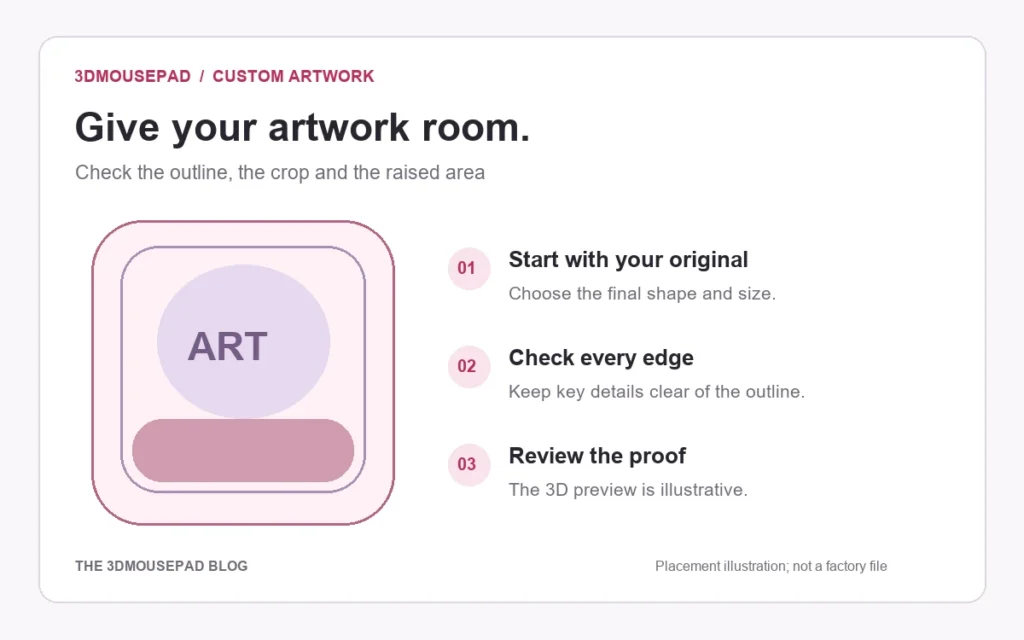
Create a separate saved design for each different image, then match every cart line to its artwork, size and quantity before ordering.
Distinguish two copies from two different designs
Quantity and artwork answer different questions. Quantity two on one custom-design line means two copies of that line’s saved design; it does not ask the studio to select a second image automatically. If one pad should show image A and another image B, prepare them as separate saved designs and add each to the cart. This matters even when both use the same product family, size and price. The same product name can appear on separate lines while the design references identify different artwork.
Prepare a small record for each intended pad
Keep the original image and a note of the family, size, style and quantity together for each design. For example: “A: pet portrait, Classic Small, one copy” and “B: original illustration, Classic Medium, one copy.” These are planning examples, not required filenames or order instructions. Do not rely only on the order in which you opened files. The custom artwork guide explains accepted formats, placement checks and the requirement to have permission to reproduce each image.
Save and add the first design before preparing the next
In the custom studio, choose the first pad’s configuration, upload its image, adjust placement and review the current resolution notice. Save and add that reviewed design to the cart. For the next image, create and save its own layout with its own selected configuration, then add it as another design. Choosing a different size deserves another crop review even if you reuse the same source picture. Do not assume that a note saying “use the second image” changes a cart line already attached to a saved design.
Match the cart lines to your record
Open the full cart and compare each custom line’s preview, Design reference, selected option and quantity with your notes. The current cart displays a design reference and size information for saved custom designs. Check the actual image shown, not just the shared custom-product title. If both lines unexpectedly show the same artwork, stop and resolve that mismatch before ordering. Reducing or increasing a quantity does not turn one saved image into another. Remove an unintended duplicate only after identifying which line you want to retain.
Keep the total and delivery plan separate from the artwork
Review the quantity and current price on every line before judging the order total. Different sizes have different listed weights, and the store’s express shipping calculation uses combined item weight. The combined-order shipping guide explains that calculation. An order containing two designs does not establish separate parcels, different destination addresses or a faster production schedule. If a delivery arrangement or deadline needs special confirmation, settle it with the store rather than expressing it only through filenames.
Identify each design during proof review
Retain your originals, layout references and design notes until fulfillment and any related support are complete. When reviewing production proofs, match each one to the correct design and size before approval. A change to image A should not be described as an unexplained replacement for the entire order. If a cart line or proof remains unclear, contact the team with the available design references and the exact correction needed. Saved designs and cart entries alone do not submit artwork to production; an accepted order and reviewed proof are still required.
Prepared by the 3DMousepad store team using our product specifications and published store guides. Product illustrations are not scale drawings. Check the product page for the current options, price and availability. Ask us about your setup or suggest a correction.
Keep exploring
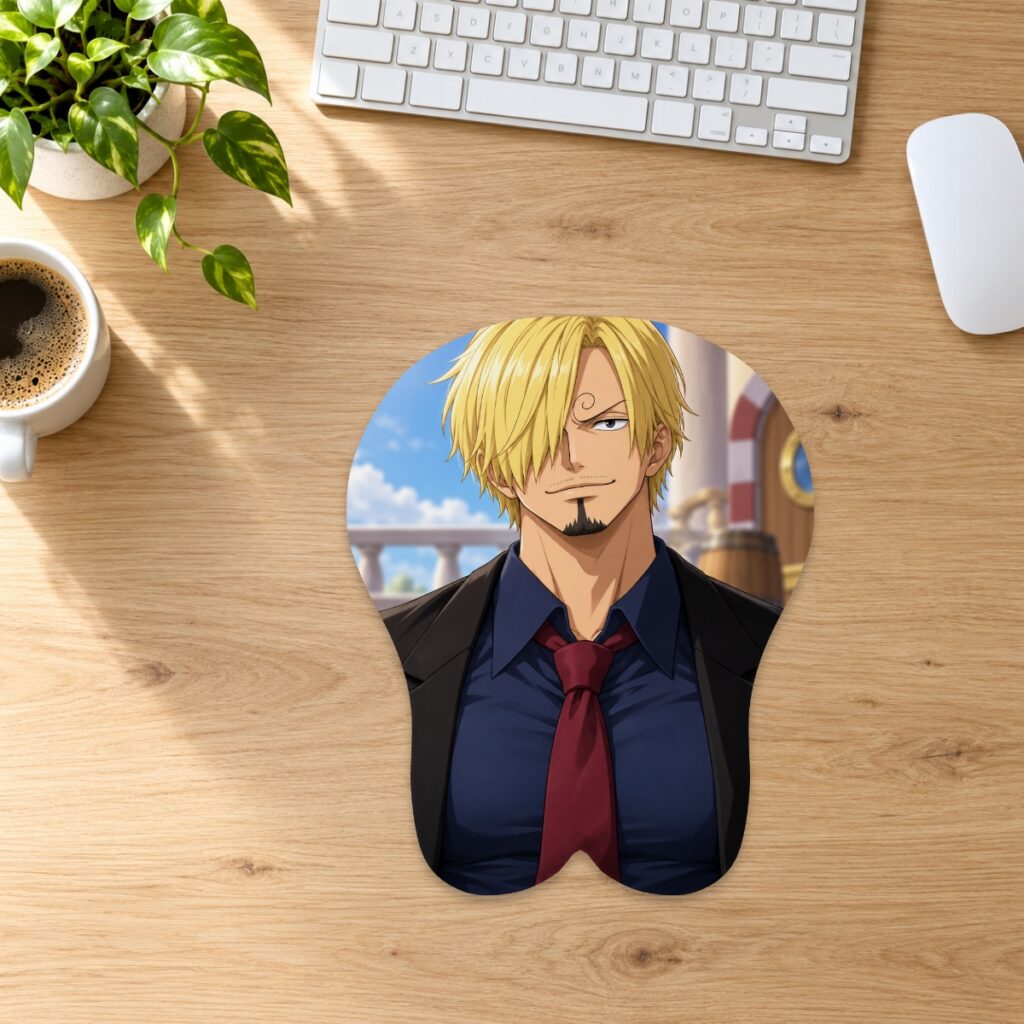
Finding a Character Mousepad: Use Search, Series Filters and Sorting
Start with a character search or series filter, then compare the exact design page and size. Sorting helps browse the collection without defining quality.
Suspicious Delivery Text After a Mousepad Order? Verify It Safely
Verify an unexpected delivery message through your actual mousepad order and the carrier’s official site before sharing information or following a payment link.
Dark Artwork on a Custom Mousepad: Check the Shadow Detail
Keep a dark illustration’s mood while checking whether essential hair, clothing and lettering remain distinguishable in the source and reviewed layout.