Custom artwork
Moving a Custom Mousepad Project from Phone to Computer
Keep the original artwork and layout reference when changing devices, then recreate and check the intended custom mousepad placement on the new screen.
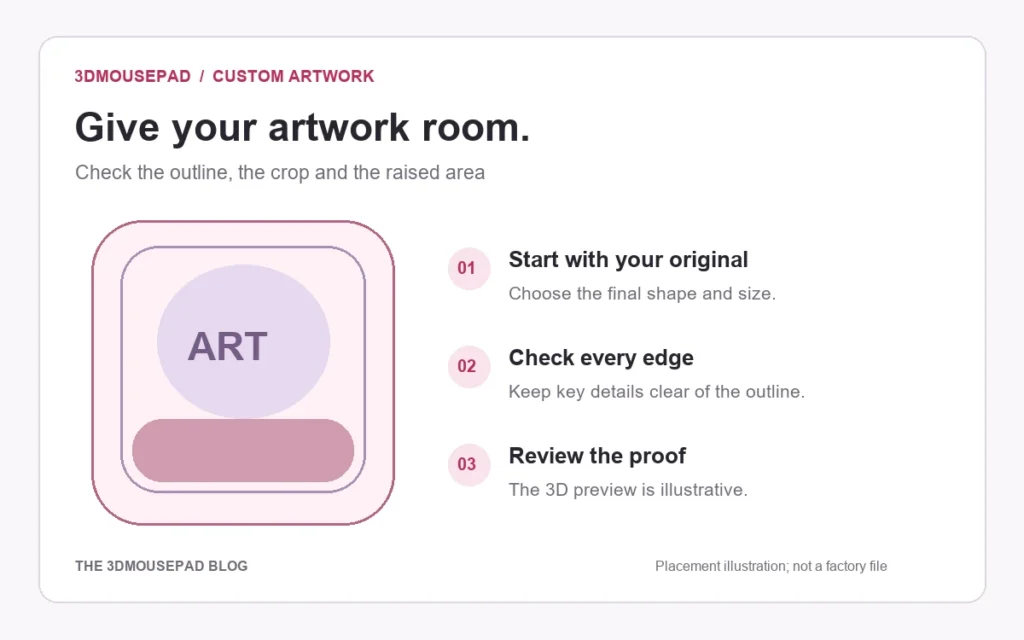
Keep the original artwork and layout reference when changing devices, then recreate and check the intended custom mousepad placement on the new screen.
Record the option before leaving your phone
Before switching devices, note the pad family, size and style, along with the source filename and the layout you intend to keep. A larger desktop screen may make fine adjustments easier to inspect, but it does not identify which of several phone drafts you meant to continue. The custom guide says browser drafts stay on the device where they were created. Do not assume that opening the studio on another computer restores the same unfinished work.
Keep the original and a separate layout reference
Retain the best original image and save the size-specific PNG layout for comparison. Give them different names, such as portrait-source.png and small-standard-layout-reference.png. The original supplies the artwork for editing; the saved layout helps you remember the intended crop. A screenshot of the studio is not a replacement for the source. Likewise, a size-specific layout is not a promise of an editable project import: uploading that fitted picture starts from the picture itself, not from the original editing decisions.
Transfer the actual source file
Use a file-transfer method you trust, then locate the transferred file on the computer before opening the studio. Check the filename, format and pixel dimensions against the source you retained. Some sharing choices supply a smaller preview instead of the file you intended, so inspect what arrived rather than assuming a matching thumbnail establishes identity. Reopen the transferred image and check that the orientation, complete composition and important details are present. Keep the phone copy until you are satisfied with the handoff.
Recreate the chosen placement on the computer
Open the custom studio, select the same family, size and style, and upload the original source file. Compare Fill pad and Fit image with your saved layout reference, then adjust position, zoom and rotation as needed. Check the subject against the actual pad outline and raised area. Treat this as a fresh placement review, not a guaranteed restoration. Changing size during the handoff requires another crop decision rather than carrying over the earlier approval unchanged.
Compare the result before saving a new version
Review the flat layout for missing edges, borders, faces and text, then inspect the 3D view. Read the current effective-resolution warning after the final zoom adjustment. Save the chosen computer layout with a name that distinguishes it from the earlier phone reference. The artwork version checklist explains how to avoid confusing candidates during proof review. If you are unsure which source or placement should be final, resolve that question before approving production.
Keep an existing order under its existing reference
If you have already ordered, contact the store with the Order ID before treating a newly recreated layout as a replacement. Do not create another order just to move work to a computer. Unordered server designs currently expire after 14 days, so keep your own original and reference files rather than using an unfinished draft as permanent storage. On a shared device, follow the privacy guidance and clear browser drafts when finished, after retaining the files you need.
Prepared by the 3DMousepad store team using our product specifications and published store guides. Product illustrations are not scale drawings. Check the product page for the current options, price and availability. Ask us about your setup or suggest a correction.
Keep exploring
Return Shipping a 3D Mousepad: Protecting Its Raised Shape
Confirm return instructions first, then choose packaging that supports the mousepad without folding it or compressing the raised area.
Ordering a Mousepad to an APO, FPO or DPO Address: Confirm Service First
Check service availability, address details, delivery charges and timing with the store before ordering a mousepad to an APO, FPO or DPO destination.
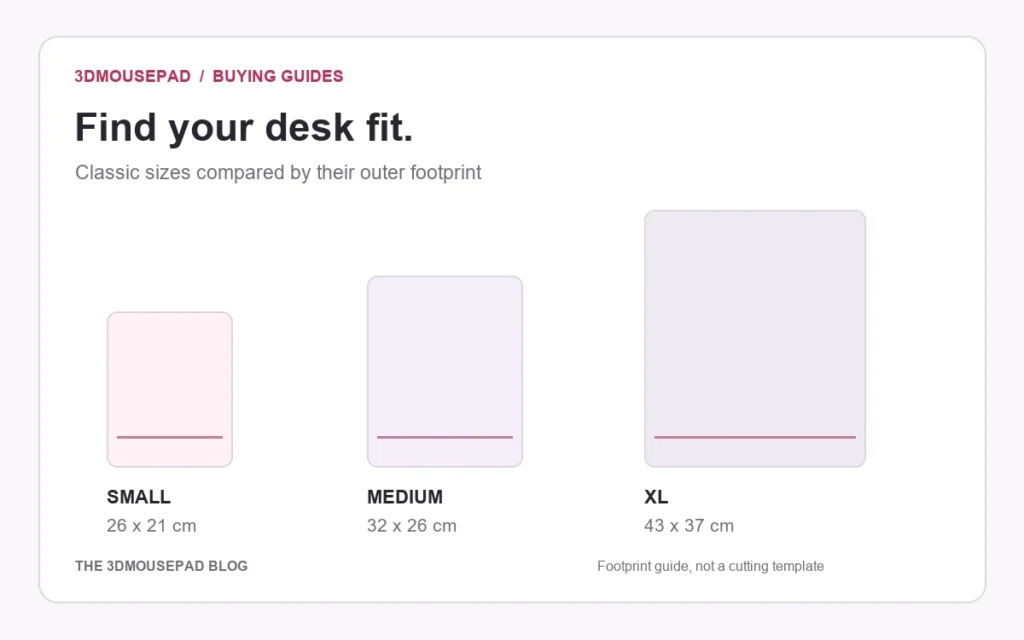
Mousepad Editions, Version Numbers and Sizes: How to Compare Listings
Separate character, design edition, version and size when comparing similar mousepad listings, with a practical example from the current collection.