Custom artwork
Repeating Patterns on a Custom Mousepad: Plan the Motif Scale
Plan the size and spacing of a repeating motif before uploading a complete pattern layout, then check partial motifs, curved edges and the raised support.
Plan the size and spacing of a repeating motif before uploading a complete pattern layout, then check partial motifs, curved edges and the raised support.
Prepare the complete arrangement before uploading
Start with a pattern you created or have permission to reproduce. Decide which motif repeats and how the repeated elements are arranged across the composition. The studio places and scales the uploaded image; prepare the intended repeats in your artwork editor rather than assuming a single tile will automatically fill the pad as a repeated pattern. Adobe’s repeat-pattern overview describes grid, radial and mirror arrangements as examples of ways to duplicate artwork.
Choose a motif size with the physical pad in mind
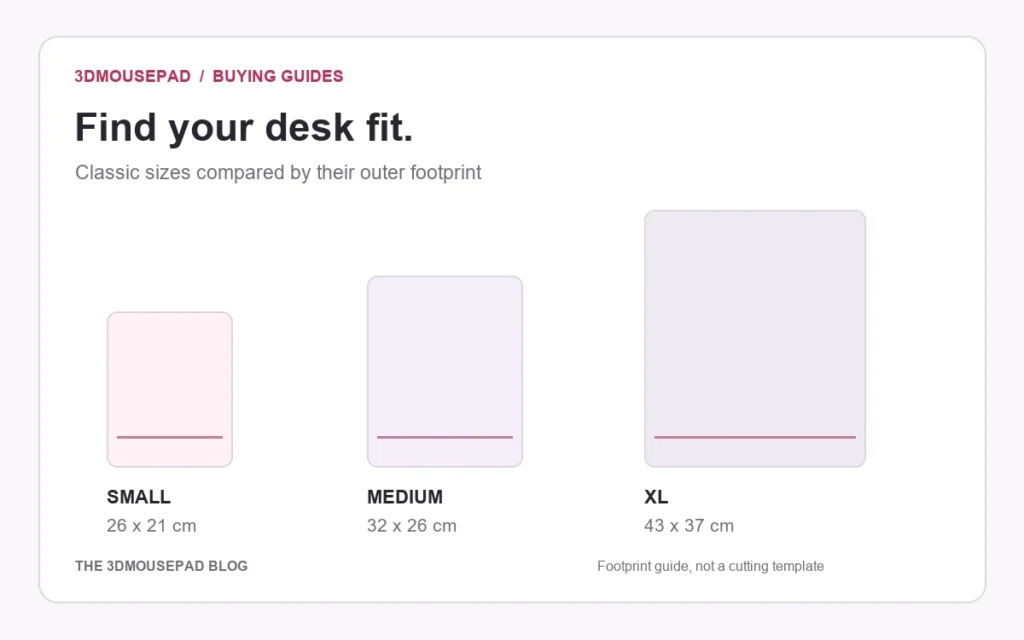
Consider a simple planning example: if a repeated square unit is intended to be 4 cm wide across a 21 cm-wide rectangular area, that width spans 5.25 units. A partial unit at an edge is therefore unsurprising. Classic Small has a listed maximum width of 21 cm, but its curved shape is not that complete rectangle. The calculation is a composition exercise, not a count of fully visible motifs or an approved print template. Use the current size guide for the selected product family.
Inspect joins and spacing in the source artwork
Look across the full exported arrangement for an unintended line, gap or overlapping shape where neighboring repeats meet. If you are building a seamless pattern, inspect those joins deliberately rather than judging only the center of one tile. Reopen the exported image and check that the repeats you intended are present in that file. A correct tile saved on its own and a complete repeated composition are different deliverables. Keep an editable copy so you can change spacing without repeatedly enlarging a flattened export.
Decide which partial motifs are acceptable
An all-over pattern will meet the pad’s curved outline at different points. Decide whether a cropped star, leaf or abstract shape is acceptable at the edge. Keep a name, face or other essential element in a location where it can be reviewed separately, even if other motifs can be clipped. The edge-planning guide explains why background coverage and space for essential details have different jobs. Do not infer a factory cutting allowance from this article’s example.
Check what scaling changes in the studio
After choosing the final shape and size in the custom studio, compare the uploaded composition with your intended motif scale. Zooming the whole image changes the size and visible count of the repeats, not just its edge crop. Inspect the flat layout first, then the 3D view for how lines and motifs cross the raised area. Regular grids can make a change in alignment especially noticeable, so check the center and curved sections as well as the perimeter.
Save a separate layout for each selected size
If you want the same approximate motif size on a different pad size, review that larger or smaller composition explicitly rather than assuming that scaling the same image preserves it. Keep the intended unit size, final export and selected product option together for proof discussion. Recheck effective resolution after zooming and follow the custom artwork guide. Where exact repeat spacing or alignment is important, settle that requirement with the store before approving production; a digital layout alone does not certify the physical result.
Prepared by the 3DMousepad store team using our product specifications and published store guides. Product illustrations are not scale drawings. Check the product page for the current options, price and availability. Ask us about your setup or suggest a correction.
Keep exploring
Character Too Small in Your Mousepad Preview? Check the Canvas
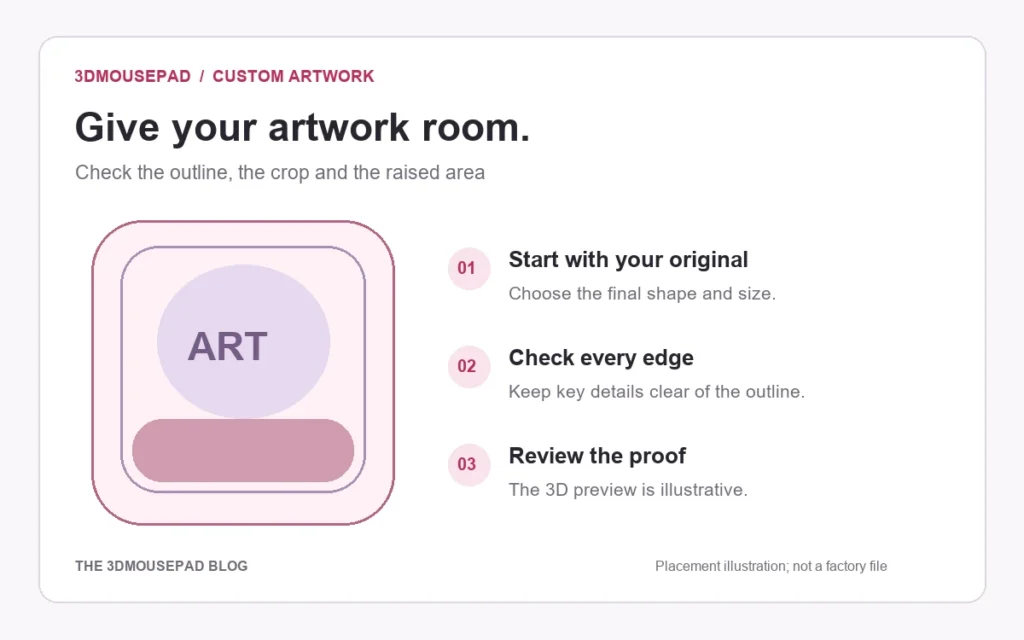
Check transparent or blank space around your character before enlarging it in the custom studio, while preserving the original and reviewing detail.
Return Shipping a 3D Mousepad: Protecting Its Raised Shape
Confirm return instructions first, then choose packaging that supports the mousepad without folding it or compressing the raised area.
Moving a Custom Mousepad Project from Phone to Computer
Keep the original artwork and layout reference when changing devices, then recreate and check the intended custom mousepad placement on the new screen.