Buying guides
Collection Design or Custom Mousepad: Which Route Fits Your Order?
Compare choosing an existing mousepad design with uploading your own artwork, including the decisions, shape options and preparation stages involved.
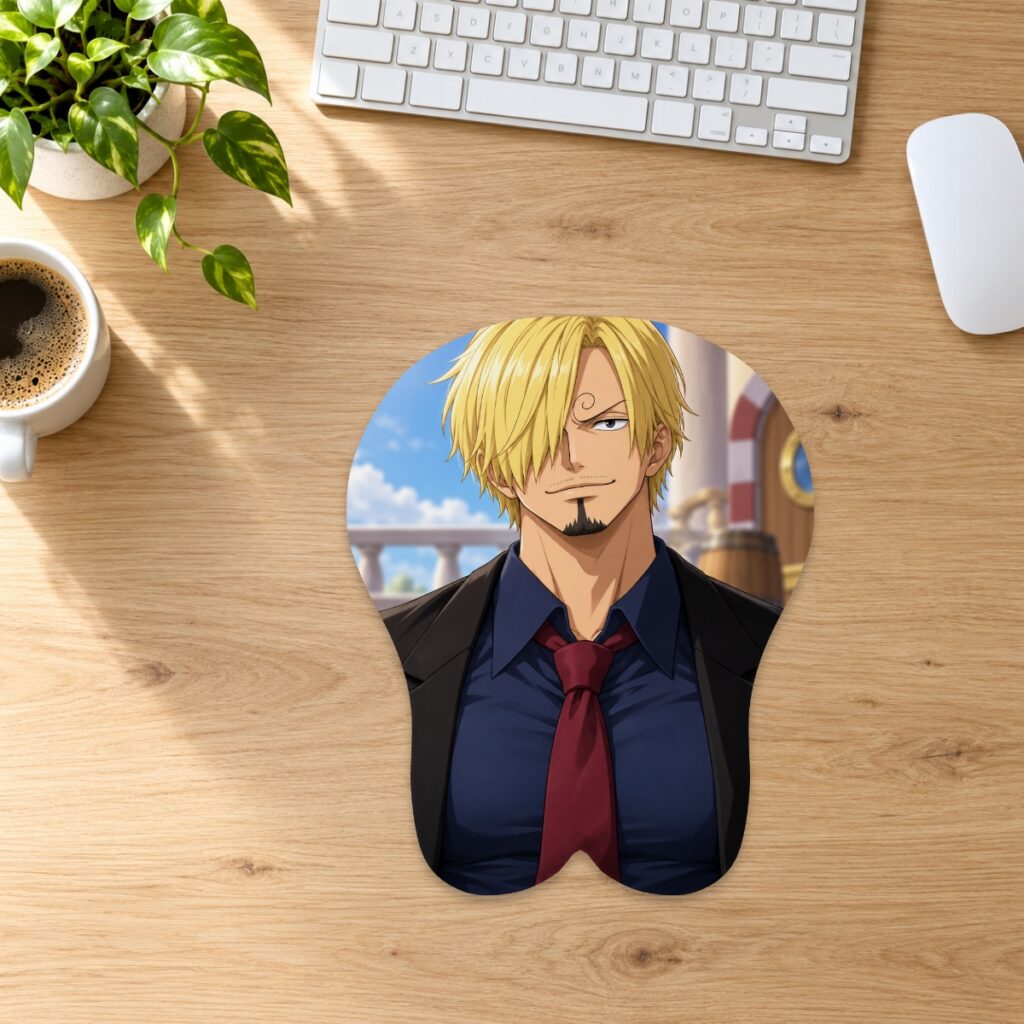
Compare choosing an existing mousepad design with uploading your own artwork, including the decisions, shape options and preparation stages involved.
Begin with the artwork decision
Choose a collection product when you want the particular design shown in that listing. Choose custom when you want to provide an image and control its placement. These routes answer different needs: finding an existing design versus preparing your own composition. A character name alone does not tell you how a particular print is arranged. Review the individual listing and its available images before selecting it; ask about a listing if the artwork you need to assess is missing.
Compare options on the exact product page
The classic collection and classic custom range use Small, Medium and XL choices, while the custom range also offers a Small Chest option. The separate full-body custom family has its own longer outline and two sizes. Do not transfer a size label or price from one family to another. Check the current size and price guide, then confirm the selected option on the product you intend to order.
Allow time for the custom decisions
With a collection listing, the main choices are the design and available size. A custom order adds source-file preparation, cropping, placement and proof review. You need an image you created or have permission to reproduce. The studio accepts JPG, PNG and WebP up to 20 MB and checks effective resolution after placement. If you only have a screenshot or a very tight crop, review the artwork requirements before committing to that route.
Distinguish preparation from delivery
The store lists standard item preparation at 2–3 days and custom production at 3–5 days after artwork approval. Carrier transit is listed separately as normally 3–15 working days depending on service and destination. Products ship from China, and import duties or taxes are the recipient’s responsibility. These figures are estimates rather than guaranteed arrival dates. Consult the shipping information if you are choosing between routes for a fixed deadline.
Use two practical decision examples
If a listed design already has the composition you want, compare its sizes and review the artwork rather than recreating it as a custom upload. If you want your own pet photo or original illustration with a particular background, custom gives you a placement workflow for that source. In either case, leave time to resolve unclear images or layout questions before ordering. A digital preview helps review a concept; it does not establish the appearance of a finished physical item.
Check the next step before you proceed
For an existing design, confirm the listing, size and delivery destination. For custom, confirm the shape and size, inspect the flat and 3D views, save the layout and review the production proof. Saving a design or adding it to a cart does not itself send it to production. The 30-day returns policy covers standard and custom items, with shipping responsibilities depending on the reason for the request. Choose the route whose decisions you can complete confidently.
Prepared by the 3DMousepad store team using our product specifications and published store guides. Product illustrations are not scale drawings. Check the product page for the current options, price and availability. Ask us about your setup or suggest a correction.
Keep exploring
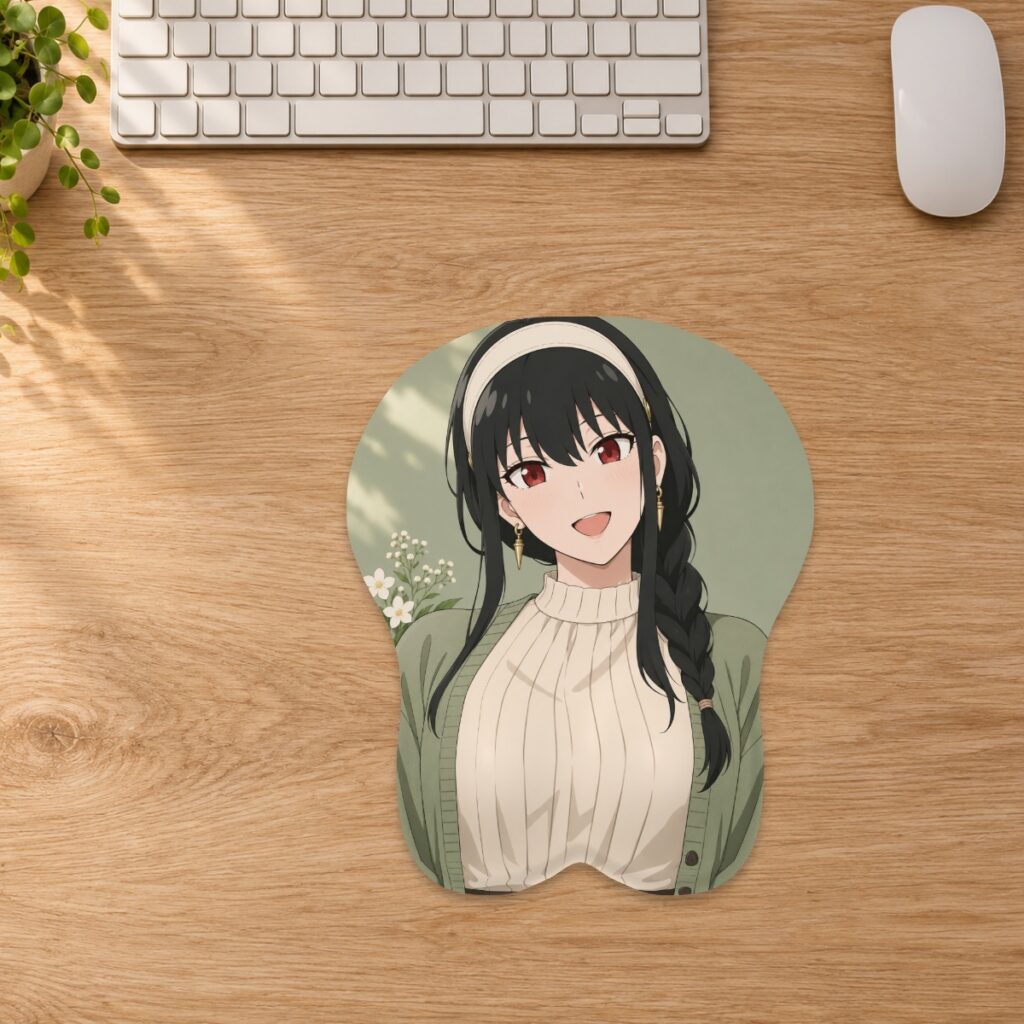
JPG, PNG or WebP: Which File Should You Upload?
Choose an upload format for your custom mousepad by checking transparency, fine edges and file size while preserving your best original artwork.
Ordered the Wrong Mousepad Size? Plan an Exchange
Check your order stage, measure the replacement size and contact the store before returning a mousepad that does not fit your desk.
Two Characters on One Custom Mousepad: Plan the Layout
Keep both characters recognizable in a shared mousepad design by checking their scale, spacing and position inside the curved outline.