Buying guides
How to Photograph a Mousepad for a Support Request
Send clear overview, detail and packaging photos so the store can understand a mousepad concern without guessing from a single close-up.
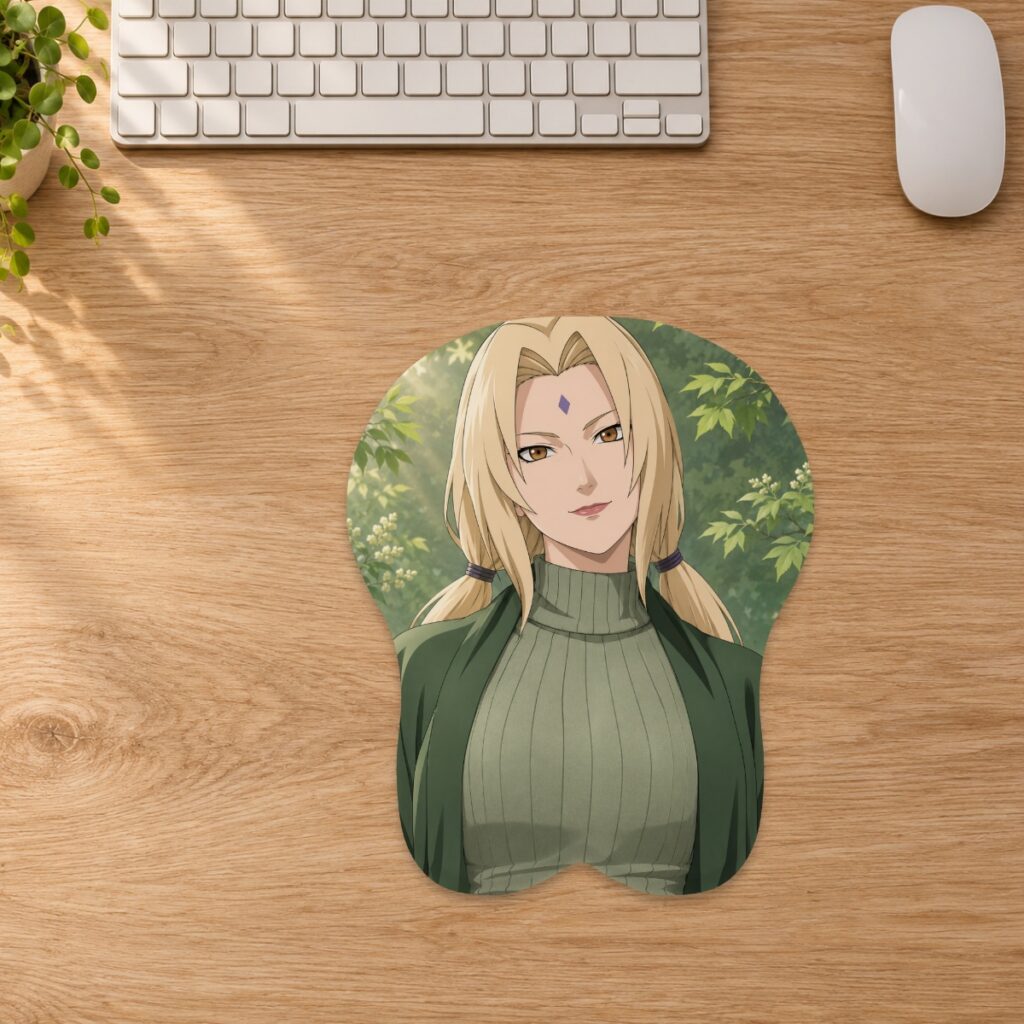
Send clear overview, detail and packaging photos so the store can understand a mousepad concern without guessing from a single close-up.
Begin with a clear description
Explain what you noticed, where it appears and whether it was present when the parcel arrived. Include the order number, billing email, affected item and your preferred resolution in your message to the store. If several pads arrived together, identify the design and size involved. A useful description is specific: a mark near the lower-left seam is easier to locate than simply saying the item looks wrong. Avoid guessing at the cause if you do not know it.
Take an overview before the close-up
Lay the item on a clean, dry surface and photograph the full pad with its edges visible. Then take a closer picture of the affected area, keeping enough surrounding artwork in the frame to show its location. Use steady, even light and check that the image is in focus before sending it. Avoid filters or heavy editing that change color or conceal detail. If glare hides the concern, change the light or camera angle instead of pressing or stretching the product.
Use another angle for shape or seam concerns
For a concern about the support, edge or seam, a side view may show information that a straight-on photograph cannot. Keep the camera level with the area and let the pad rest naturally. Do not sharply fold, pull apart or compress the item to make the issue more visible. The care guide recommends stopping use and contacting the team if the fabric, seam or support appears damaged. Do not attempt a repair or aggressive cleaning solely to prepare photographs.
Keep packaging evidence and private details separate
The returns policy asks for clear photos of the item, affected area and packaging when reporting a product issue. Keep the packaging while the store reviews the concern. Photograph relevant damage to the box or wrapping without discarding pieces that may help explain it. Send order details privately through the store contact channel. If you share a photo publicly for another reason, avoid exposing a shipping label, address or other personal information; a public post is not a substitute for contacting support.
Distinguish artwork questions from item damage
If the concern is the design, identify the part of the print you want the team to examine and provide the relevant product link. For a custom order, keep your approved layout or proof available so the team can compare the intended composition with the received item. Do not rely on a screenshot of a desk scene to establish an exact measurement: the listed dimensions and selected order option are the reference. A digital render and a physical fabric surface can also appear different under different lighting. Describe the difference without assuming the outcome of the review.
Wait for the agreed next step before posting a return
Contact the store within 30 days after delivery if you wish to request a return or exchange. The policy distinguishes customer-caused requests from quality issues, damage or an incorrect item supplied by the store; the team confirms the resolution and applicable shipping arrangements. Do not send a parcel to the company address or the original dispatch address without instructions. If a return is required, use the agreed shipping method and retain its tracking reference. Send your initial message through Contact 3DMousepad and keep the correspondence with your order records.
Prepared by the 3DMousepad store team using our product specifications and published store guides. Product illustrations are not scale drawings. Check the product page for the current options, price and availability. Ask us about your setup or suggest a correction.
Keep exploring
Choosing a Background for Your Custom Mousepad
Choose a background that supports your character artwork, makes curved crops easier to review and keeps important details clear on a custom mousepad.
Adding a Name to a Custom Mousepad: Placement Checks
Keep names and short messages readable on a custom mousepad by checking contrast, crop, curved edges and the raised support before approval.
Taking a 3D Mousepad Between Desks
Plan how to carry and set up a raised mousepad without folding the support, packing it damp or relying on a product photo for scale.