
Buying guides
Your New 3D Mousepad: A First-Day Checklist
Check your mousepad on arrival, compare it with your order, and document any concerns before cleaning, using or returning it.
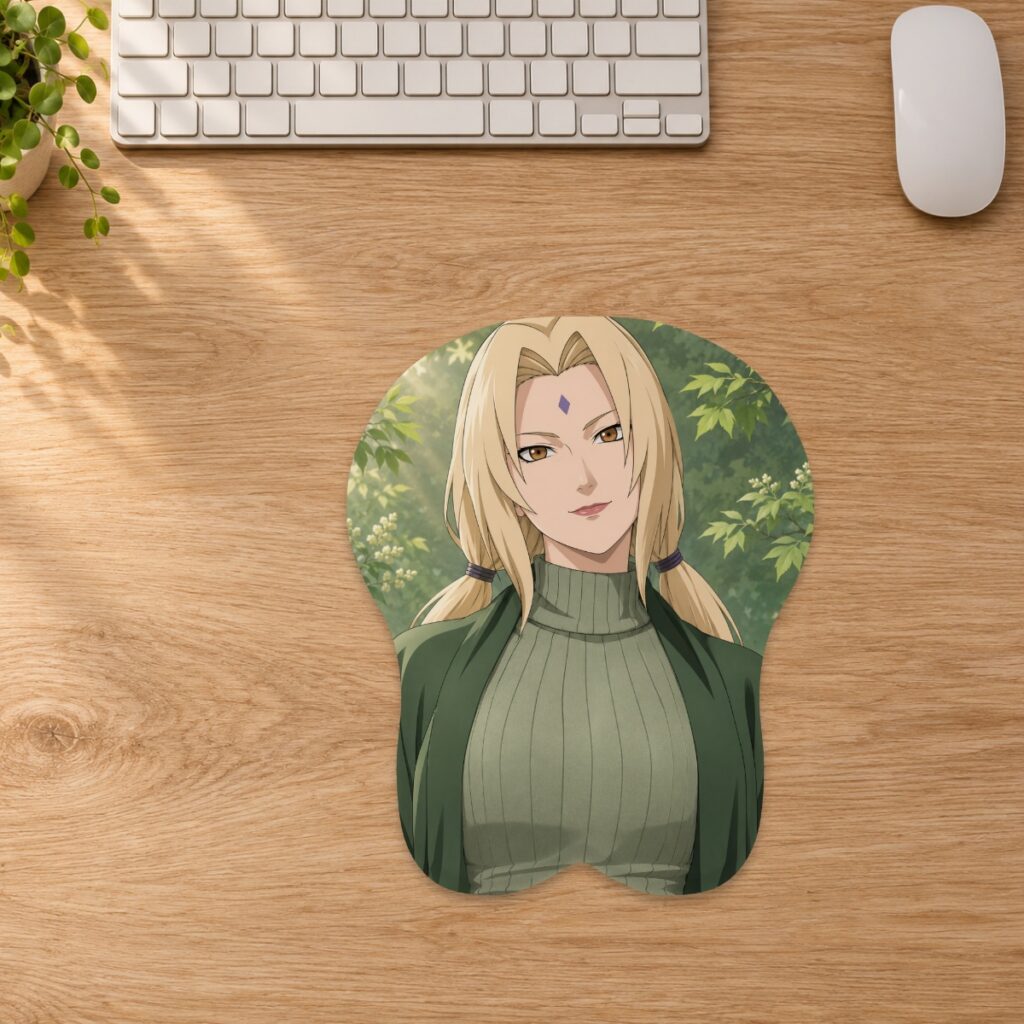
Check your mousepad on arrival, compare it with your order, and document any concerns before cleaning, using or returning it.
Keep the order details beside you
Open your order confirmation before unpacking. Check the design name and selected size rather than relying on the first gallery image: a product may display a Small preview while offering other sizes. Keep the packaging until you have checked the item. This makes it easier to show how it arrived if you need support. You do not need to make an unboxing video to follow this checklist; clear photographs and your order details are a useful starting point.
Inspect before you clean
Place the pad on a clean, dry surface and look at the printed fabric, edge seams, underside and raised support. Look for visible damage or an incorrect design, rather than trying to correct a suspected fault yourself. If a seam is open or the support appears damaged, stop using the item and contact the store. Do not scrub, soak or apply a strong cleaner to investigate a mark. The care guide explains routine cleaning once you are satisfied with the condition.
Compare like-for-like measurements
Use the selected option on your order as the reference. Length is the longest top-to-bottom measurement; width is the widest side-to-side measurement. Listed height is the maximum raised height, not the thickness of the flat area. A photograph on a screen is not a scale drawing. Compare the actual footprint with the size guide, without pressing down the support or stretching the fabric to make a measurement fit. If a measurement concerns you, photograph it with a ruler and ask us to review it; this article does not establish an additional manufacturing tolerance.
Separate a preview difference from an order mismatch
Digital previews show an intended design and shape, not a photographed sample of the exact item in your parcel. Screen color and the way fabric curves over a support can change the appearance. That does not mean you should dismiss an unexpected result. Compare the item with the selected variant and, for custom work, the reviewed proof. Describe the particular difference: wrong character design, unexpected crop, damaged seam or a size that does not match the order. A specific comparison is more helpful than a general statement that it looks different.
Send a useful support request
Include the order number, billing email, item name and preferred resolution. For a product concern, attach one image of the complete item, a close-up of the affected area and relevant packaging photos. Keep private payment details out of your photographs. Use the contact page to reach the store. If you are unsure whether the item should be used or cleaned while the concern is reviewed, ask before doing either.
Wait for return instructions
The current returns policy allows requests within 30 days after delivery for standard and custom mousepads. Customer-caused returns or exchanges carry customer-paid shipping; quality issues, damage or an incorrect item supplied by us are reviewed for the appropriate resolution and necessary shipping instructions. Do not mail the parcel to the company contact address or the dispatch address without instructions. Keep the agreed tracking reference if a return is needed. Once the item has passed your checks, place it on a clean dry desk and keep sharp objects and heat away from the fabric and support.
Prepared by the 3DMousepad store team using our product specifications and published store guides. Product illustrations are not scale drawings. Check the product page for the current options, price and availability. Ask us about your setup or suggest a correction.
Keep exploring
Saving a Custom Mousepad Design: What Happens Next?
Understand browser drafts, saved layouts and production approval so you can resume a custom mousepad design without confusing a preview with an order.
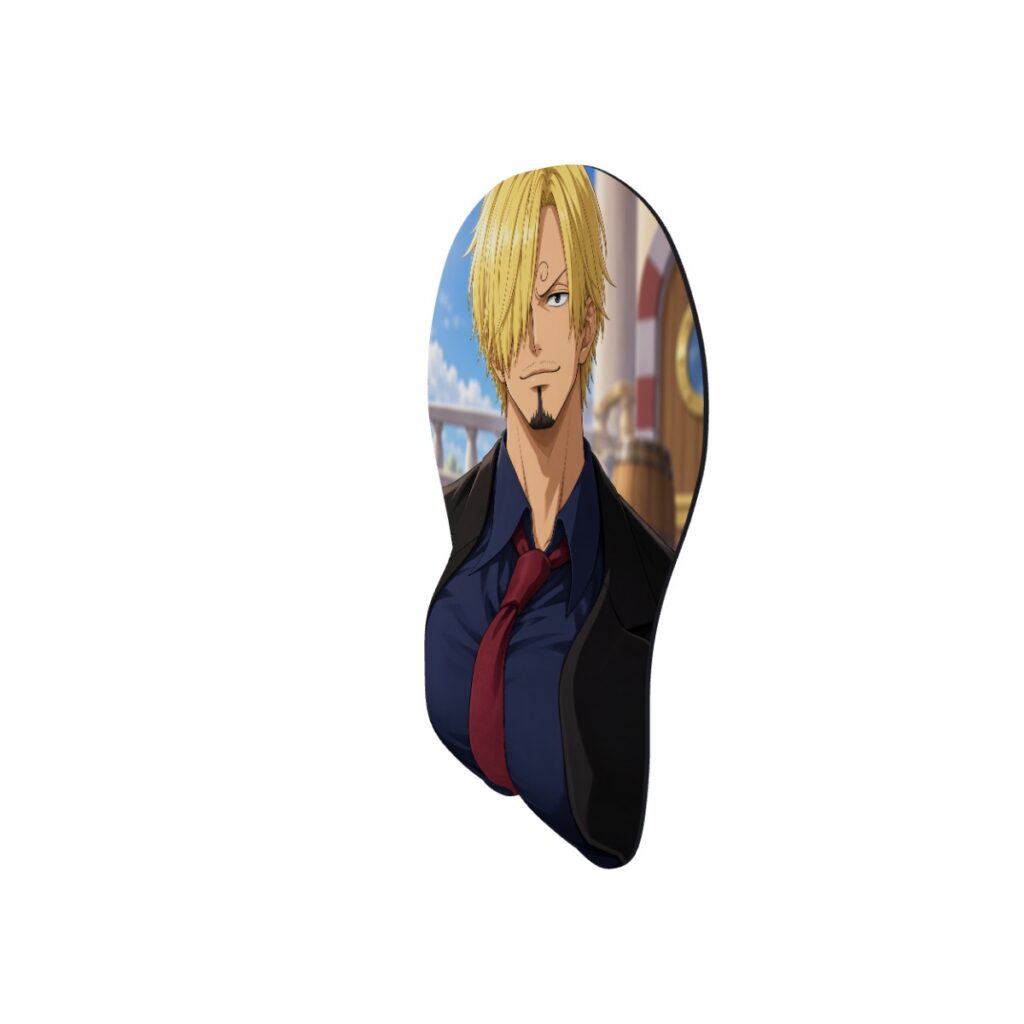
How to Read 3D Mousepad Images: Front, Desk and Side Views
Use each gallery view for a different buying decision, and learn why a Small digital preview does not establish the shape or scale of an XL option.
Ordering Two Mousepads? How Express Shipping Adds Up
Calculate express shipping from combined item weights, with worked examples for two Small pads, mixed sizes and full-body orders.