Buying guides
Saving a Custom Mousepad Design: What Happens Next?
Understand browser drafts, saved layouts and production approval so you can resume a custom mousepad design without confusing a preview with an order.
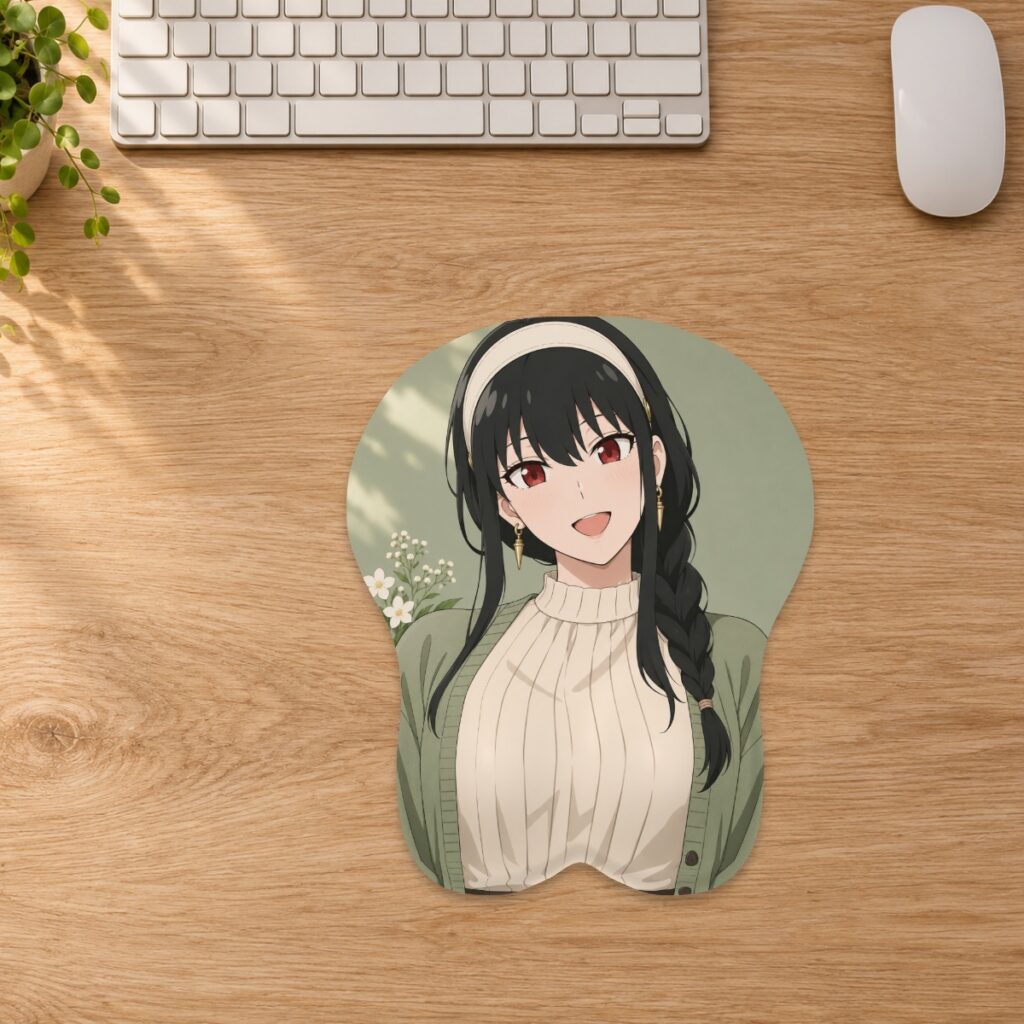
Understand browser drafts, saved layouts and production approval so you can resume a custom mousepad design without confusing a preview with an order.
A saved design is not a production request
The custom studio separates designing from ordering. Saving a layout or adding a design to your cart does not by itself submit artwork for production. Production requires an accepted order and a reviewed proof. Treat the saved preview as a record of your intended composition, then check the order and approval steps separately. This distinction matters when you try several sizes or leave a design unfinished: a picture visible in the studio is not evidence that a parcel is being prepared.
Keep your original somewhere you control
Before editing, retain the best original image in your own storage. The custom artwork guide currently accepts genuine JPG, PNG and WebP files up to 20 MB. A screenshot of a preview is not a substitute for the source. Keep any permission or commissioning information with your project as well. Name your saved files so you can tell the original apart from a size-specific layout and a later revision. For example, use separate names for the source artwork, the Small layout and the Medium layout rather than overwriting one file repeatedly.
Review the size before saving a layout
Choose the family, size and style before making a final placement decision. Fill pad covers the shape and may crop artwork; Fit image shows more of the source but can leave a border, and curved corners can still remove detail. After changing size, review the crop again instead of assuming the earlier layout transfers unchanged. Inspect the flat layout and the front, angle and side preview. Keep important text and faces away from the cut edge and raised support. The artwork preparation article covers crop and resolution decisions in more detail.
Know where the unfinished work lives
Browser drafts stay on the device where they were created until cleared. Do not assume that opening the studio on a different phone or computer will restore the same draft. The current guide also states that unordered server designs expire after 14 days; order-linked artwork is retained for fulfillment and related support. Neither behavior makes an unfinished draft a permanent personal archive. If you need to pause, retain your original and save the size-specific layout where you can find it. On a shared device, clear browser drafts when you have finished.
Use a simple handoff check
Before moving from design to order, check four things together: the chosen size and style, the latest artwork version, the crop you intended and the resolution warning status. The studio calculates effective resolution after cropping and zooming, so an older assessment may not describe the current placement. Below 150 DPI it requires acknowledgement before saving; acknowledgement is not a guarantee of sharp printing. If a design depends on exact placement or color matching, ask the team before ordering and identify the specific area that matters.
Allow time for review and production
Custom production is currently estimated at 3–5 days after artwork approval, followed by carrier transit normally taking 3–15 working days depending on service and destination. Saving a draft does not start that production clock. Consult the delivery information for current timing and import-charge details rather than counting from the day you first uploaded an image. If you notice a correction after ordering, contact the store promptly; whether it can be changed depends on preparation, production or dispatch progress. Keep the accepted proof with your order records so any later question can be compared with the version actually reviewed.
Prepared by the 3DMousepad store team using our product specifications and published store guides. Product illustrations are not scale drawings. Check the product page for the current options, price and availability. Ask us about your setup or suggest a correction.
Keep exploring
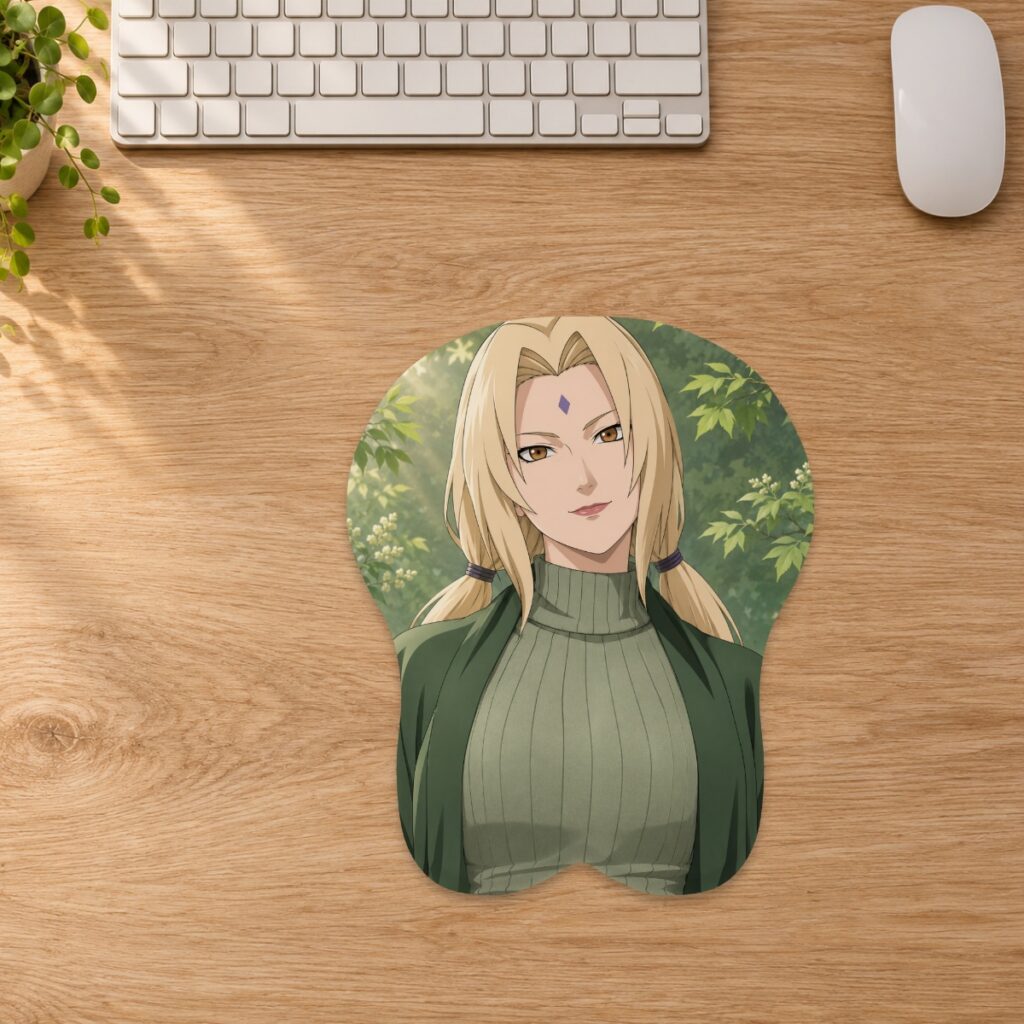
Your New 3D Mousepad: A First-Day Checklist
Check your mousepad on arrival, compare it with your order, and document any concerns before cleaning, using or returning it.
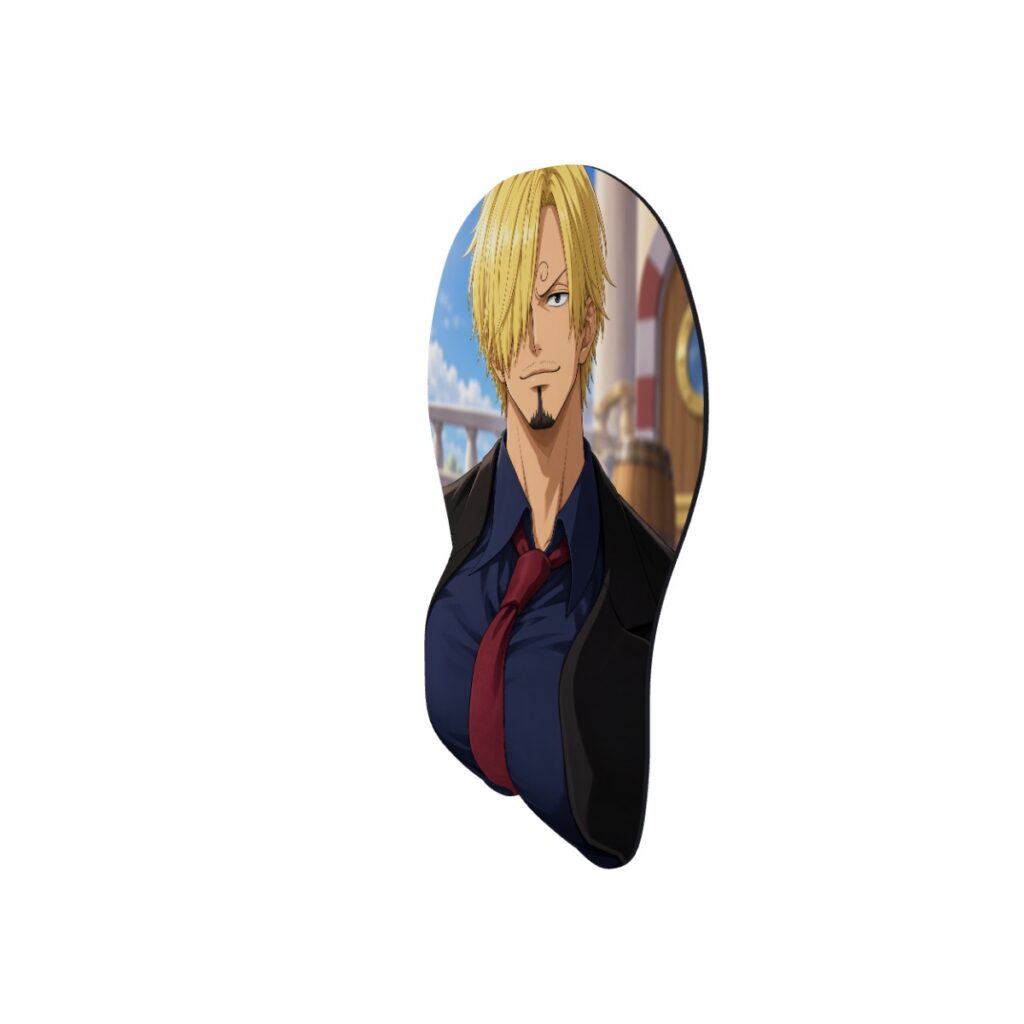
How to Read 3D Mousepad Images: Front, Desk and Side Views
Use each gallery view for a different buying decision, and learn why a Small digital preview does not establish the shape or scale of an XL option.
Ordering Two Mousepads? How Express Shipping Adds Up
Calculate express shipping from combined item weights, with worked examples for two Small pads, mixed sizes and full-body orders.