Buying guides
Tracking Created but No Movement? Check Your Mousepad Order Stage
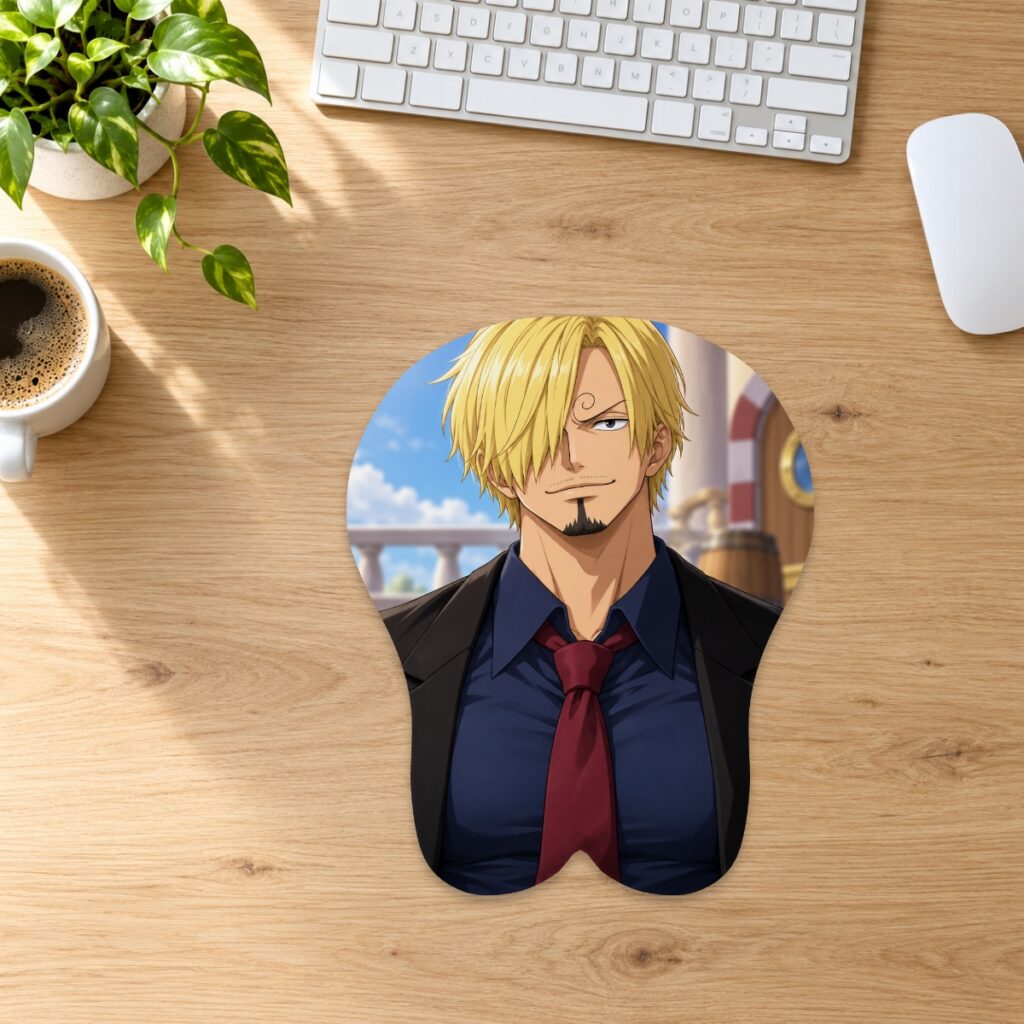
Separate artwork approval, preparation and carrier tracking when checking a mousepad order that has no visible movement yet.
Separate artwork approval, preparation and carrier tracking when checking a mousepad order that has no visible movement yet.
Start with the latest order message
Find the order confirmation and any later artwork or dispatch message. An accepted order, a design saved in the studio and a dispatch notice describe different stages. If you only saved a custom layout, check whether you completed an order. Use the order number when asking for an update rather than assuming that every saved design is already in production.
Check preparation before counting transit
The store lists standard preparation at 2–3 days and custom production at 3–5 days after artwork approval. Carrier transit is separate and normally takes 3–15 working days, depending on service and destination. An order awaiting proof approval differs from a dispatched parcel. These are estimates, not a statement of your particular order status. Check the current shipping information and the latest message about your order.
Read a label status literally
USPS separates label-created and awaiting-item statuses from possession and movement scans. Its official tracking help explains that label creation alone does not establish USPS possession of a parcel. A tracking number by itself is not evidence of carrier acceptance. Read the exact message and carrier; USPS wording should not automatically be applied to FedEx or DHL.
Use the reference supplied for your order
Open the dispatch email or tracking page and check the carrier, number and latest event together. Products ship from China, so do not infer the route from the store’s US business address. If the number is unrecognized, check for copied spaces or missing characters. Ask the store to confirm the reference and dispatch stage if it remains unclear; do not guess another number.
Send details that can be investigated
Include the order number, selected service, dispatch date shown in your message, and exact tracking status with its timestamp. For custom work, mention whether the proof is approved. Send these privately through support rather than posting your address or tracking details in a public review. Ask whether preparation is ongoing, handover is confirmed, or carrier investigation is needed.
Avoid ordering again to resolve uncertainty
A duplicate purchase does not correct an unclear tracking status and may create another shipment. Contact the store promptly if an address issue or deadline makes the matter urgent. Customs, public holidays and carrier events can affect arrival. An unchanged status alone proves neither loss nor successful delivery. Keep your order and tracking messages together until the store confirms the next step.
Prepared by the 3DMousepad store team using our product specifications and published store guides. Product illustrations are not scale drawings. Check the product page for the current options, price and availability. Ask us about your setup or suggest a correction.
Keep exploring
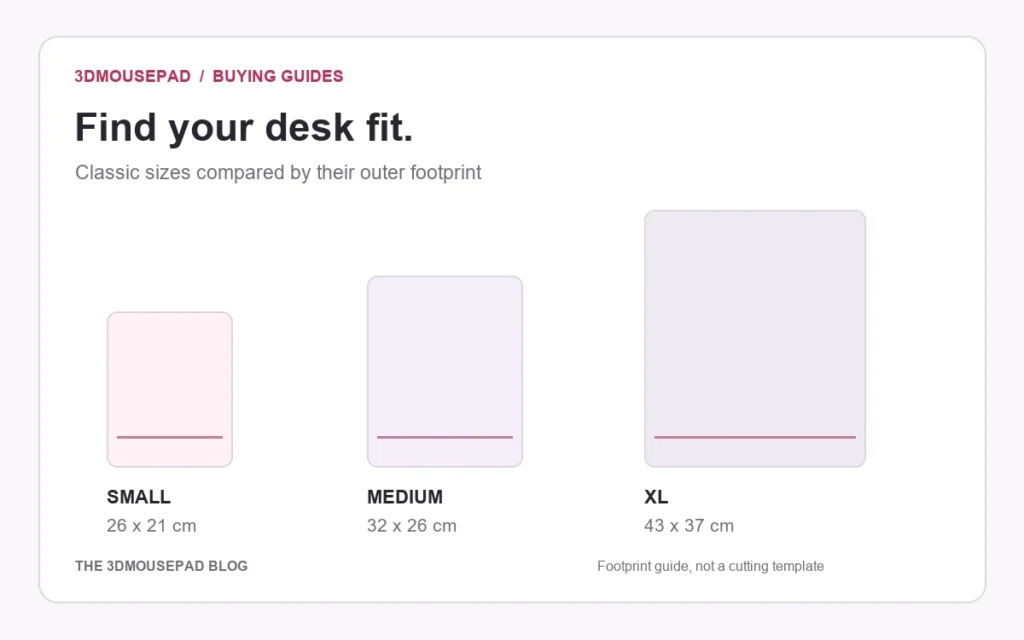
3D Mousepad Sizes in Inches: A Practical Conversion Guide
Compare classic and full-body mousepad dimensions in inches, with rounded conversions and a worked example for measuring your desk.
Will a 3D Mousepad Fit on Your Keyboard Tray?
Check usable width, front-to-back space and closing clearance before placing a raised mousepad on a keyboard tray or pull-out shelf.

Should You Mirror Your Custom Mousepad Artwork?
Upload artwork in the orientation you want customers to see, then check lettering and asymmetric details in the flat layout before approving the proof.