
Care & desk setup
Will a 3D Mousepad Fit on Your Keyboard Tray?
Check usable width, front-to-back space and closing clearance before placing a raised mousepad on a keyboard tray or pull-out shelf.
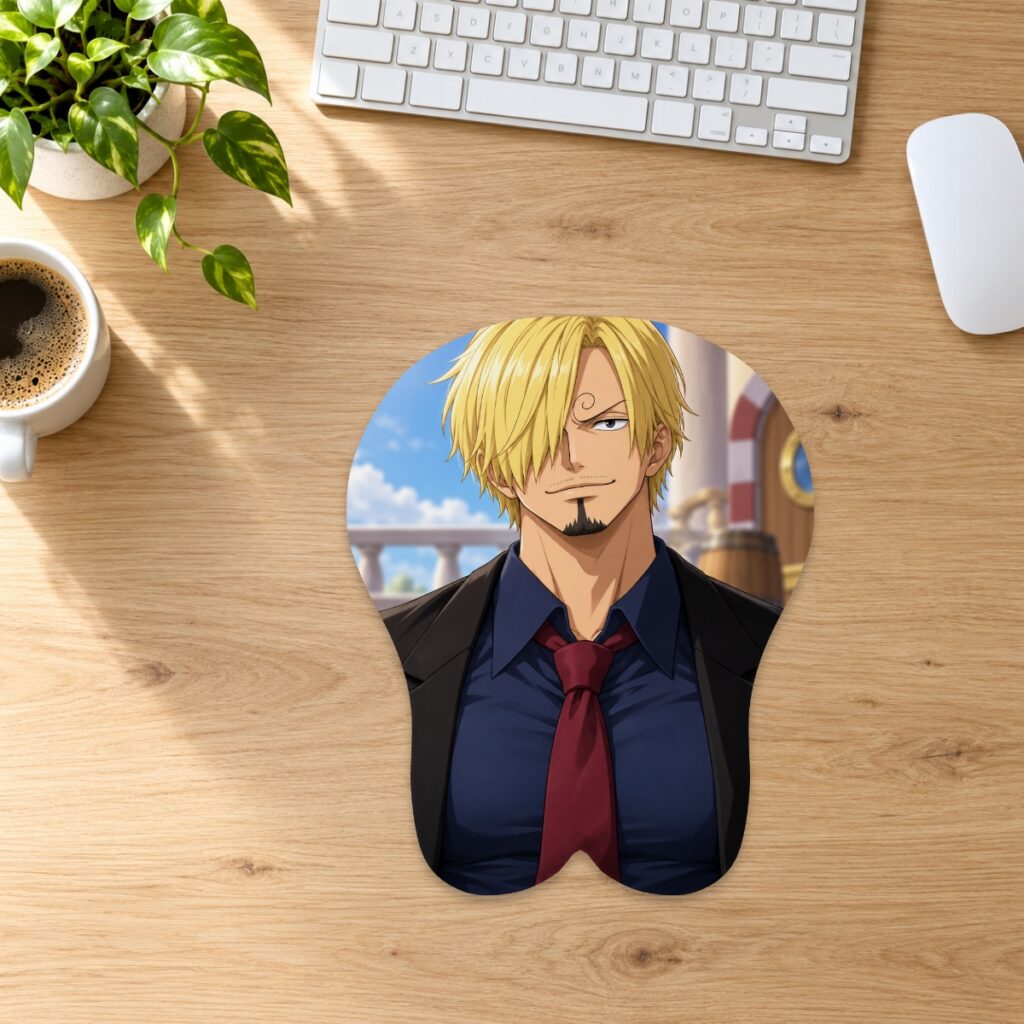
Check usable width, front-to-back space and closing clearance before placing a raised mousepad on a keyboard tray or pull-out shelf.
Measure the usable tray, not its advertised width
Put your keyboard and other controls in their normal positions first. Measure the flat area left beside them, including any boundary created by a rail, lip or fixed wrist support. A tray’s full width is not the same as available mouse space. If its instructions prohibit an accessory or weight, follow those instructions; this guide does not establish compatibility with any particular tray.
Mark the full footprint
Use a piece of paper to mark the selected pad’s maximum length and width, then place it on the available flat area. Keep the entire outline inside the supported space. In the classic range, Small measures 26 × 21 cm, Medium 32 × 26 cm and XL 43 × 37 cm before considering raised height. Check the current size guide and the exact product option. The paper is a planning aid, not a supplier cutting template.
Check closing clearance separately
A raised mousepad can fit the tray’s footprint while still being too tall to slide underneath the desk. The listed classic maximum heights are 2.8 cm, 3 cm and 6 cm respectively; these describe the highest raised area, not uniform thickness across the whole pad. Measure the available clearance above the intended location, allowing for any underlying mat. Do not force a tray shut against the support or compress the pad to make it fit.
Keep the usual mouse movement available
With the paper outline in place, move your mouse through the space you normally use. Check for interference with the keyboard, tray edge and any built-in support. A correct footprint measurement does not tell you whether the usable flat area suits your own movements. If the arrangement feels cramped, consider a different size or a suitable desk surface before ordering. The desk-fit guide explains broader size comparisons.
Include the item weight in your tray check
Read the tray manufacturer’s load limit and account for all equipment already on it. Current classic item weights are 275 g, 530 g and 1,980 g; the separate full-body family uses different dimensions and weights. Product weight alone cannot establish whether a tray is suitable. Do not use a pad over moving hardware or place it partly across a raised tray border.
Plan where the pad will go when the tray closes
If the tray cannot close with the pad in place, decide whether removing it each time is practical. Store it flat in a clean, dry location, away from heat and heavy objects. Follow the care instructions and avoid folding the raised area. If a measurement or shape remains unclear, contact the store with the exact product option and your available dimensions before choosing it.
Prepared by the 3DMousepad store team using our product specifications and published store guides. Product illustrations are not scale drawings. Check the product page for the current options, price and availability. Ask us about your setup or suggest a correction.
Keep exploring
Should You Mirror Your Custom Mousepad Artwork?
Upload artwork in the orientation you want customers to see, then check lettering and asymmetric details in the flat layout before approving the proof.
Collection Design or Custom Mousepad: Which Route Fits Your Order?
Compare choosing an existing mousepad design with uploading your own artwork, including the decisions, shape options and preparation stages involved.
JPG, PNG or WebP: Which File Should You Upload?
Choose an upload format for your custom mousepad by checking transparency, fine edges and file size while preserving your best original artwork.