Custom artwork
Full-Body Custom Mousepads: Plan a Tall Artwork Layout
A full-length illustration needs more than a larger crop. Compare the two full-body proportions and plan the pose, desk footprint and proof together.
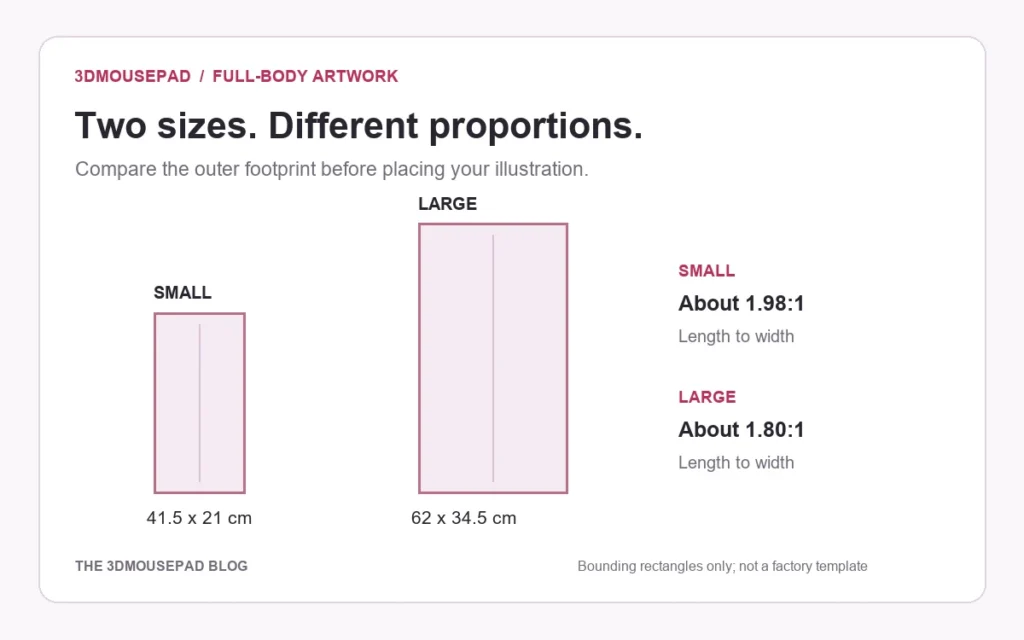
Choose a full-body pad for a composition that works vertically, then check both its footprint and its proportions. Small measures 41.5 × 21 × 3 cm; Large measures 62 × 34.5 × 3.5 cm. Large is proportionally wider, so an approved Small layout should be reviewed again rather than simply enlarged.
Full-body Small is not classic Small
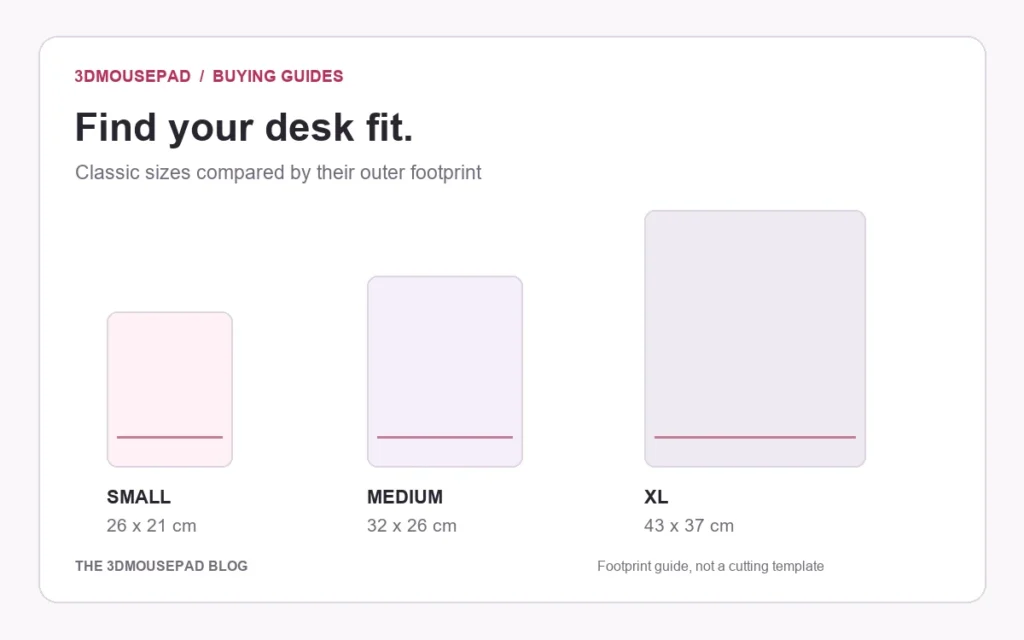
Full-body is a separate custom-product family with a longer outline. Its Small size is 41.5 cm from top to bottom; classic Small is 26 cm long. The shared size name does not mean they occupy the same desk space or place the raised support in the same way.
The live table below lists the full-body options, including their maximum raised heights, item weights and prices. The height measurement is the highest raised point, not the thickness of the flat surface.
| Size / style | Length × width × height | Weight | Price (USD) |
|---|---|---|---|
| Small · Full-body | 41.5 × 21 × 3 cm | 950 g | $69.99 |
| Large · Full-body | 62 × 34.5 × 3.5 cm | 2,650 g | $189.99 |
Compare the current options on the full-body custom product page. Shipping is separate from the item price; the larger option also has a higher listed item weight.
Check the full length on the desk
Measure the usable front-to-back distance where the pad will sit, with the keyboard and monitor stand in their normal positions. A 62 cm outer length needs a different plan from a compact pad beside the keyboard. Include the mouse cable and the space your hand normally uses.
Mark a 41.5 × 21 cm or 62 × 34.5 cm rectangle on paper and place it in that space. It helps test the overall footprint, but it does not show the exact curved edge or the flat tracking area. Decide whether the intended location works for everyday mouse use, display, or both, without assuming that extra length is all available for mouse movement.
Compare proportions before choosing the pose
The Small bounding rectangle is approximately 1.98 times as tall as it is wide. Large is approximately 1.80 times as tall as it is wide. These ratios come from the published outer measurements; they are useful for planning a composition, not for creating a production cutting file.
Consider a standing figure with arms held close to the body versus a figure holding a wide object. Both can be full-length drawings, but the second uses more width. Check the hands, elbows and any accessory near the widest points of the composition. A portrait-shaped source image does not by itself guarantee that all of those details will fit inside the curved pad.
Avoid stretching the drawing independently in width and height just to match a rectangle. That changes the character’s proportions. Try a different crop, leave more background room or revise the composition instead.
Give the head, hands and feet breathing room
Start with the figure positioned so its essential features stay comfortably inside the visible outline. Check the top of the head, the ends of hair or accessories, fingertips and feet. If preserving the full figure is the point of the design, losing one of these details to a curve defeats that choice.
A source file with some surrounding background gives you more flexibility than a drawing already cropped tightly to the body. Do not rely on a border measured from the rectangular image alone: the final shape curves inward. Supplier-approved production margins and the reviewed proof take priority over a generic spacing rule.
Review the raised areas as part of the composition
Use the full-body custom studio to compare the flat placement with the front, angle and side previews. A printed detail can appear different where the fabric follows a raised area. Keep tiny text or features that depend on precise alignment away from those transitions where possible.
The preview is illustrative, not a photograph of a manufactured sample. If a feature must align with a particular part of the shape, explain that requirement before production and check it on the proof. Changing from Small to Large should trigger another placement and resolution review, even when the same source image is used.
Keep the final file and the selected size together
Label your source artwork clearly and keep a note of the chosen family and size. Before saving, check that the editor still shows the intended option and that the whole composition remains inside the outline. The custom artwork guide explains accepted files, effective resolution and the proof process.
If you are unsure whether the image needs a different pose or more background, send our team the product and layout question before ordering. Resolving that choice early is more useful than trying to fix a tightly cropped composition after it has been approved.
Prepared by the 3DMousepad store team using our product specifications and published store guides. Product illustrations are not scale drawings. Check the product page for the current options, price and availability. Ask us about your setup or suggest a correction.
Keep exploring
Planning a Custom Mousepad Gift: Budget, Artwork and Delivery
Plan a personal desk gift around the recipient, the complete order cost and the time needed to approve the design—not just the date of the celebration.
How to Clean and Store a 3D Mousepad
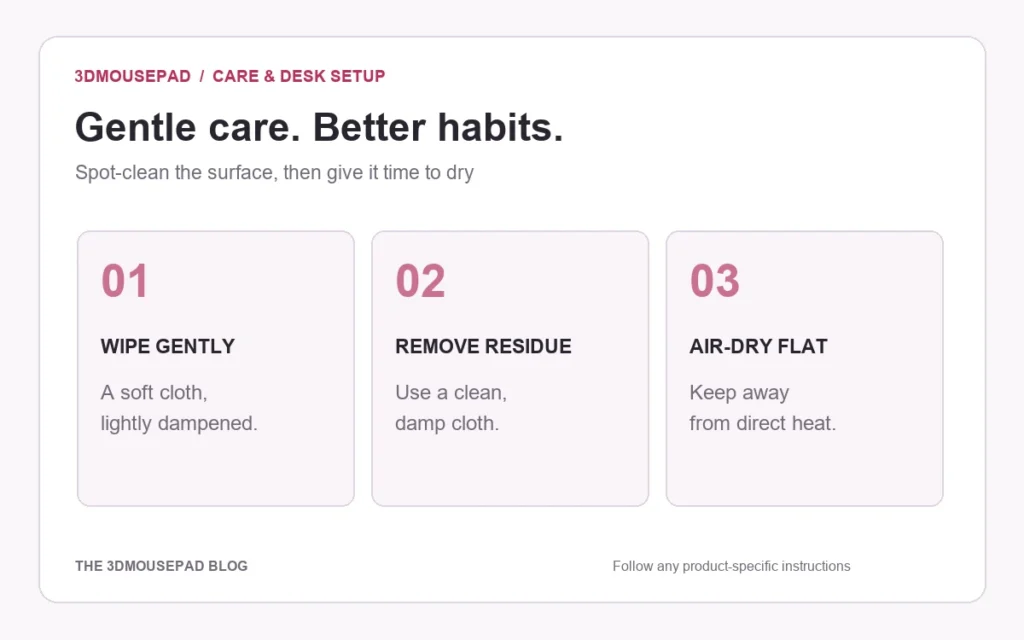
A gentle, practical routine for the printed surface, raised support and underside, with clear advice on what to avoid.
Small, Medium or XL? Choose a 3D Mousepad That Fits Your Desk
Compare the footprint, raised height and price of each classic size, then check the space you actually use beside your keyboard.