Custom artwork
Prepare Custom 3D Mousepad Artwork: Crop, Resolution and Proofs
Choose a shape, keep the important details inside the outline and understand what the preview can—and cannot—confirm.
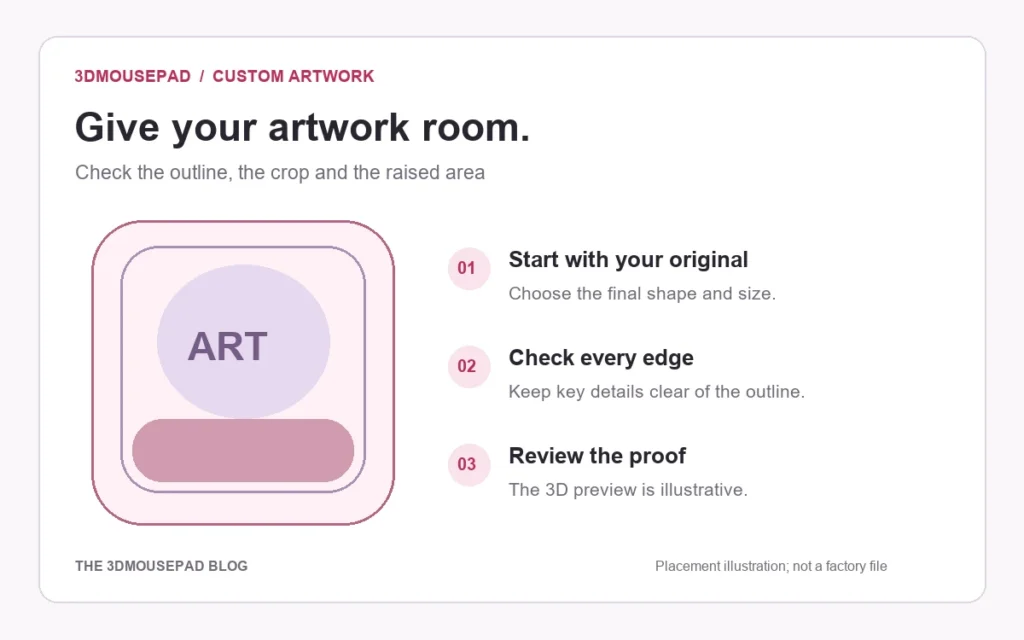
A good starting file is only half the job. Choose the pad shape and final size first, then check the crop, the position of important details and the effective resolution. Use both the flat layout and the 3D preview before reviewing the production proof.
Choose the shape before placing the artwork
The classic custom mousepad and the full-body custom mousepad have different outlines. A wide composition may work better on one of the classic sizes; a long illustration needs a separate check against the full-body outline. Neither shape can preserve every detail of every rectangular image.
Open the custom studio, select the family, size and style, and then upload the image. Recheck the composition if you change size later. A crop approved for one outline should not be assumed to work for another.
Use the original image, not a preview copy
The studio accepts genuine JPG, PNG and WebP images up to 20 MB. Use the original export from your artwork file where possible. Screenshots and images saved from chat previews may have fewer pixels, compression artifacts or unwanted borders.
For our studio, 300 DPI at the chosen print size is the recommended target. Effective resolution depends on the pixels available after cropping and enlarging. Changing the DPI number in a file does not add detail, and upscaling cannot recover detail missing from the source.
For example, 21 cm is approximately 8.27 inches. Covering that width at 300 pixels per inch requires approximately 2,481 pixels across, before allowing for any further crop or production requirements. This is a resolution illustration, not a factory print template. Read the studio’s current effective-resolution display for the selected layout.
Understand Fill pad and Fit image
- Fill pad: covers the shape by enlarging the image as needed. Part of the original composition can fall outside the outline.
- Fit image: retains more of the original rectangle, which can leave a visible background border. Curved edges can still cut off corners.
Try both before making small placement adjustments. If a border remains, select a background color that belongs with the artwork. Check the whole edge of the pad, not just the center of the screen.
Keep important details away from edges and raised areas
Faces, small text and precise graphic elements need breathing room. Leave visible space between them and the cut outline. The raised support can change how a printed feature appears as the fabric follows its shape, so a face that looks correct in the flat layout may need repositioning in the 3D view.
There is no universal safe-margin measurement that replaces the supplier’s final template. The studio outline and raised zones are placement guides. If your design depends on exact alignment, contact us before ordering and ask for that placement to be checked in the production proof.
Review the flat layout and the 3D preview
Use the flat layout to examine the crop and edge clearance. Then view the preview from the front, an angle and the side. Look for a face crossing a support boundary, text wrapping around a curve, unwanted empty borders, or a critical detail disappearing at the edge.
The preview illustrates the layout; it is not a photograph of a finished item or a supplier-approved cutting file. Monitor settings, print material and the raised form can affect the final appearance. Keep your original artwork separately so that it remains available if adjustments are needed.
Approve the proof before production
Before saving, confirm that you can reproduce the artwork and that you have reviewed its placement. Saving a layout or adding it to your cart does not start production. An accepted order and a reviewed proof are required. Custom production is currently 3–5 days after artwork approval, followed by carrier transit; see the delivery guide for the separate stages.
Use the custom artwork guide as your final checklist for file limits, resolution warnings, saving and privacy. If a detail must look a particular way, include that requirement when you contact our team.
Prepared by the 3DMousepad store team using our product specifications and published store guides. Product illustrations are not scale drawings. Check the product page for the current options, price and availability. Ask us about your setup or suggest a correction.
Keep exploring
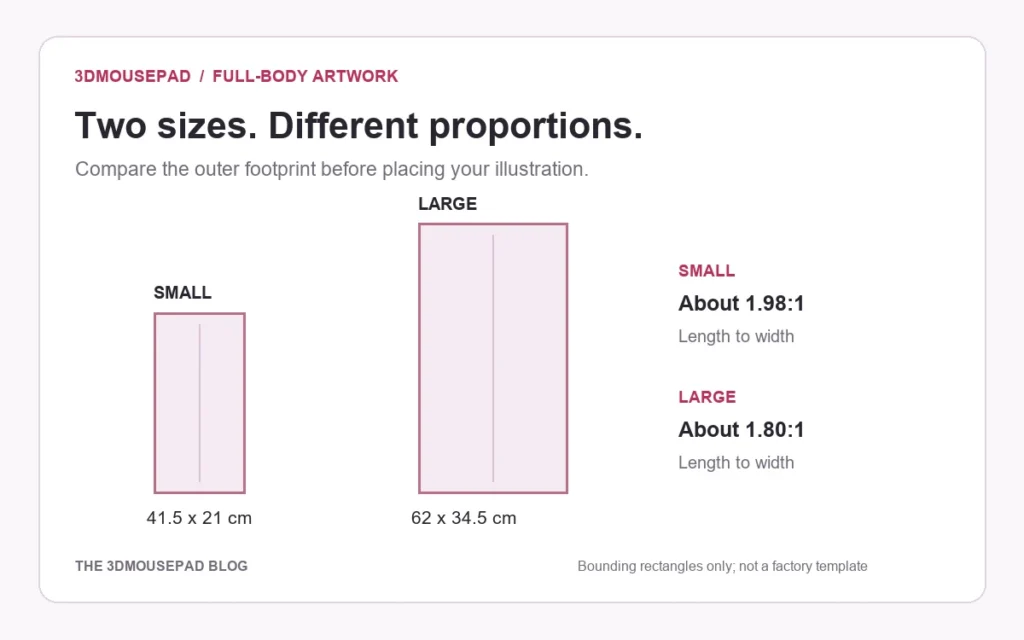
Full-Body Custom Mousepads: Plan a Tall Artwork Layout
A full-length illustration needs more than a larger crop. Compare the two full-body proportions and plan the pose, desk footprint and proof together.
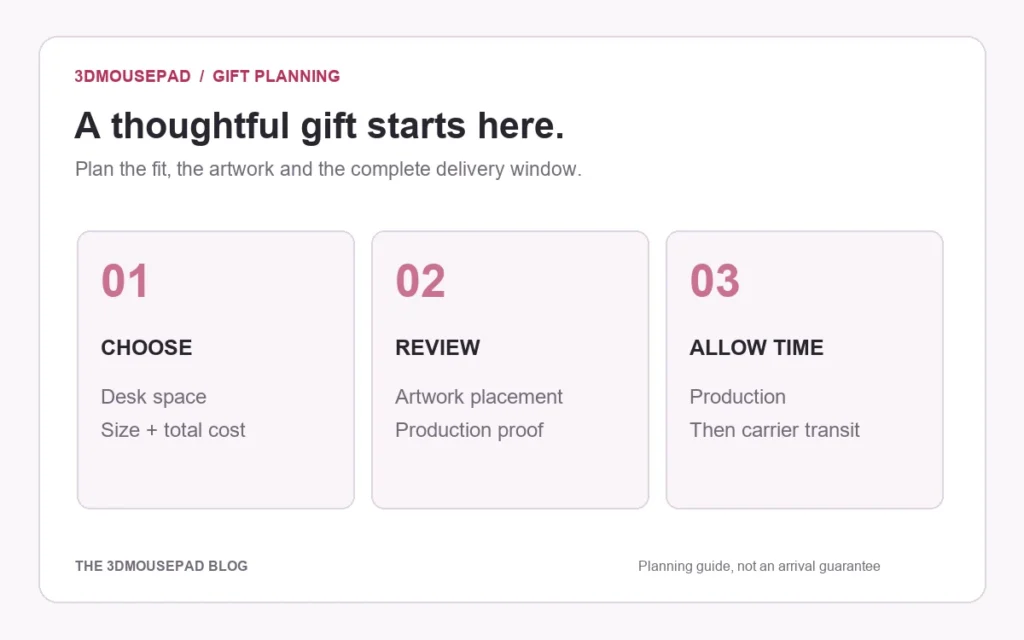
Planning a Custom Mousepad Gift: Budget, Artwork and Delivery
Plan a personal desk gift around the recipient, the complete order cost and the time needed to approve the design—not just the date of the celebration.
How to Clean and Store a 3D Mousepad
A gentle, practical routine for the printed surface, raised support and underside, with clear advice on what to avoid.