Custom artwork
Turn Your OC or Fursona Into Desk Merch
Prepare references, confirm reproduction rights and compose your OC or fursona for the product shape before approving a custom print.
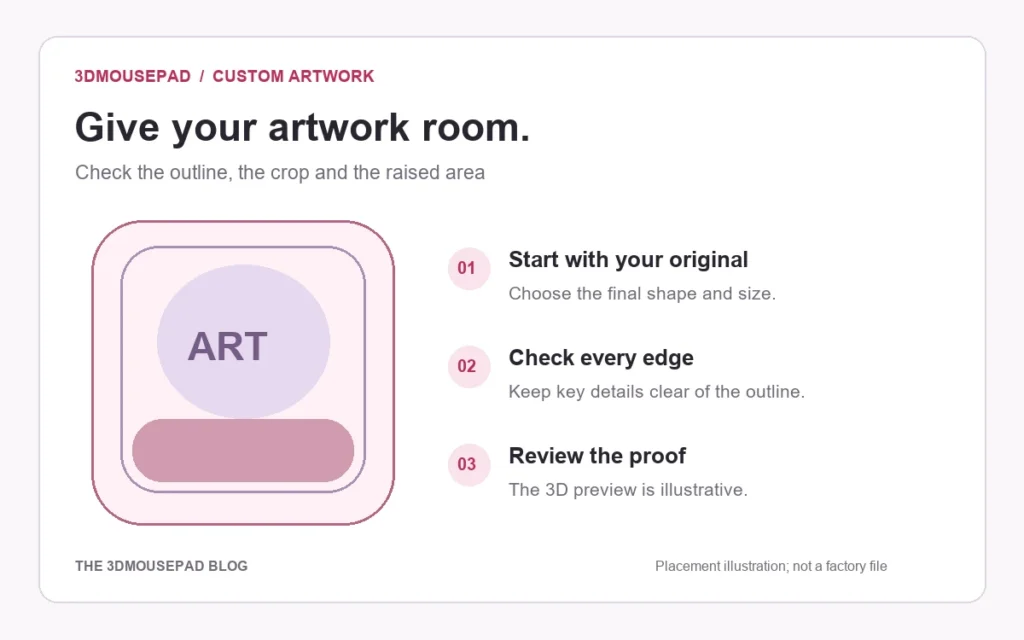
To turn an original character or fursona into desk merch, begin with one clear reference image, confirm who may reproduce it, and design for the shape of the product rather than dropping the full reference sheet onto a template. A good mousepad layout keeps the face, expression and identifying features readable while leaving room for the cut edge, raised support and everyday desk use.
Decide what the desk item should communicate
An original character can have many outfits, forms and stories. A single product does not need to explain all of them. Choose one idea: a calm portrait, an action pose, a seasonal outfit, a character-and-pet scene or a graphic emblem. A focused concept usually produces a stronger composition than a collage of every available drawing.
Think about where the item will live. A working desk benefits from a clear central subject and quieter areas around the mouse. A display-focused piece can use a more dramatic composition, but it still needs to respect the outline. If the design is a gift, confirm which version of the character the recipient considers current.
Browsing the original and furry collection can help you compare composition styles. Use it for layout ideas, not as permission to copy another artist’s character, costume or distinctive design.
Prepare a reference package, not just a social-media image
Give the artist or layout designer a small, organised reference package. Include the clearest front or three-quarter view, the current colour palette and close-ups of details that must remain accurate. Label optional features and alternate outfits so there is no ambiguity.
If only a low-resolution image exists, find the original export before taking a screenshot from a messaging app. Compression and cropping can remove detail that becomes obvious in print. Keep transparent PNG files when clean edges matter, but also include a normal preview so the intended colours and background are easy to understand.
A short written note is useful: character name, pronouns if relevant to the commission, mood, required details and details the artist may simplify. Avoid sending a large archive without priorities. The goal is to reduce guesswork, not to transfer every piece of character history.
Commission for the product shape
Tell the artist that the work is intended for a shaped mousepad before the sketch is approved. A portrait that looks perfect in a square canvas may crop badly around a curved edge or raised zone. Ask for enough background beyond the important subject so the layout can move without cutting into the face, ears, horns, wings, tail or text.
For a classic pad, decide whether the character should be centred, offset to preserve mouse space or paired with a pattern. For a full-body format, a vertical pose may work better. The custom artwork guide explains the two product families, upload requirements and placement controls.
Keep the layered working file until production is complete. Separate character, background and text layers make it easier to adjust the crop or move a detail. The store may receive a final JPG, PNG or WebP, but the editable source remains valuable if the proof exposes a placement problem.
Confirm commission rights in writing
Paying for an illustration and receiving permission to reproduce it are related but separate questions. Before ordering a printed item, ask the artist whether the agreed terms allow personal merchandise. State the product, quantity and whether it is only for you or a gift. If you may later sell items, discuss commercial use separately rather than assuming the personal permission covers it.
Save the artist’s terms and the conversation that confirms the intended use. If the design incorporates a base, texture, font, stock element or another creator’s asset, confirm that those materials also allow the planned reproduction. An original character can still be drawn with components governed by someone else’s licence.
Do not ask the printer to decide who owns the design. The person submitting the file is responsible for having permission to use it. If the rights are unclear, pause the order and resolve them before production.
Build the layout in the custom studio
Open the custom studio only after you know which shape and size you want. Upload the original export rather than a screenshot. Test both Fill and Fit: Fill covers the print area but may crop the image, while Fit preserves the whole file and can leave open space that needs a deliberate background.
Move the character away from the cut edge and review where the raised support crosses the artwork. Small lettering, facial features and character markings deserve extra space. The crop, resolution and proof guide explains these checks step by step.
Use the preview as a planning tool, not as a promise of exact physical colour or shape. Screen settings, the Lycra surface and the sculpted form all affect how the finished print is perceived. Review the production proof carefully and respond to questions before manufacturing begins.
Plan a coordinated set without repeating the same crop
If you want several desk items, give each one a role. The mousepad can carry the main illustration, while a wallpaper, icon or small print uses a simplified emblem. Repeating the identical detailed image everywhere can make the set feel crowded.
Prepare a few approved assets from the same commission: full illustration, portrait crop, emblem and colour swatches. Ask the artist whether the licence covers each planned use. A coordinated set is easiest when permissions and source files are organised before any orders are placed.
Use an approval checklist
- The character version, palette and required details are current.
- The artist has agreed to the intended personal or commercial reproduction.
- Any third-party fonts, textures or bases are cleared for that use.
- The important features stay away from cut edges and raised zones.
- The file has enough resolution for the selected physical size.
- Names and text have been checked character by character.
- The final proof matches the approved concept and crop.
Keep the reference package, permission record, source file and approved proof together. That small project archive makes a later reprint or coordinated item much easier to manage.
FAQ
Can I use a reference sheet as the final print?
You can if you have permission, but a sheet designed for character documentation may look crowded on a shaped product. A dedicated composition usually gives important features more room.
Do I need commercial rights for one personal mousepad?
Ask the artist how their terms define personal merchandise. Do not assume that buying the commission automatically includes reproduction rights.
What file should I keep?
Keep the layered source if the artist provides it, the full-resolution final export, the written permission and the approved production proof.
Prepared by the 3DMousepad store team using our product specifications and published store guides. Product illustrations are not scale drawings. Check the product page for the current options, price and availability. Ask us about your setup or suggest a correction.
Keep exploring
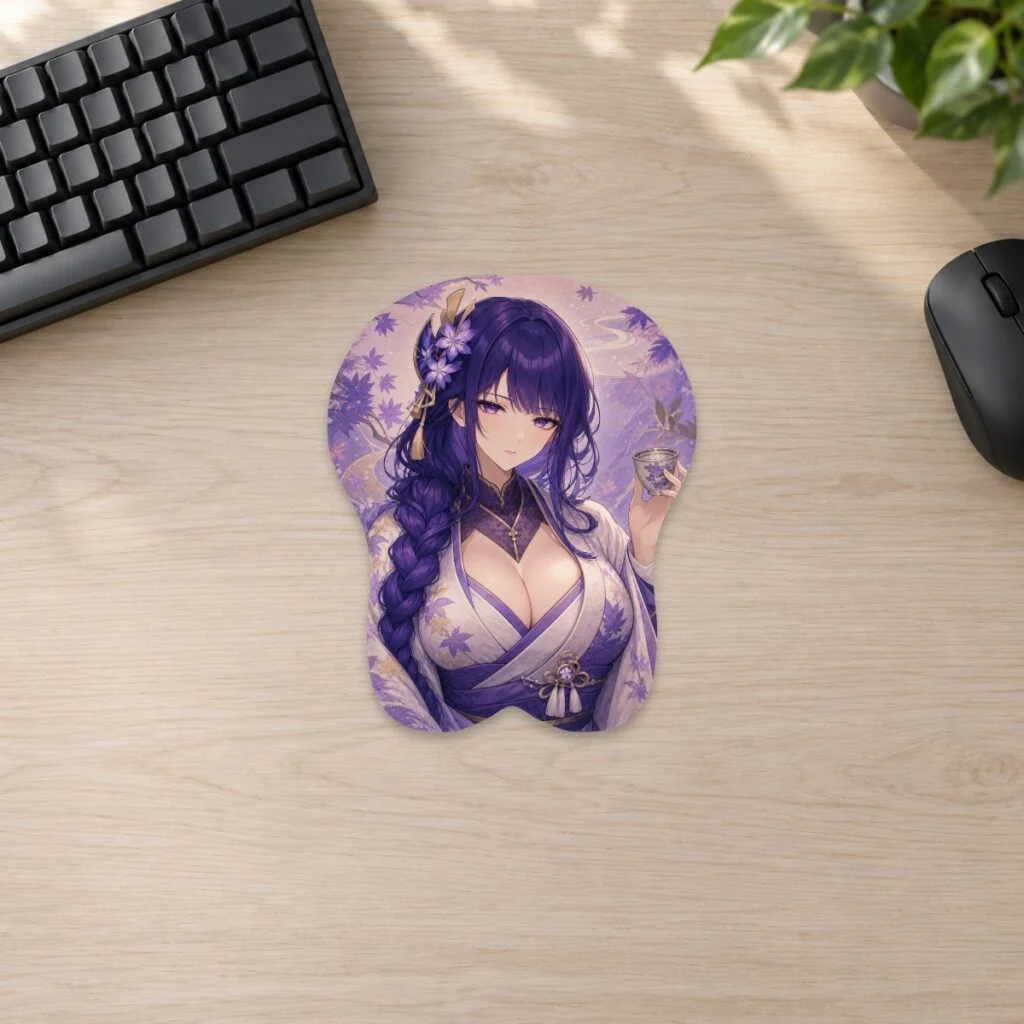
Genshin Impact Desk Setup Ideas by Element
Use a Genshin Impact element as the palette, choose one hero piece and keep the rest of the desk practical, restrained and easy to reset.
Commissioning Art for Merch: Rights and Licensing Basics
Define the product, quantity, commercial use, credit, fees and deliverables in writing before commissioning artwork for merchandise.
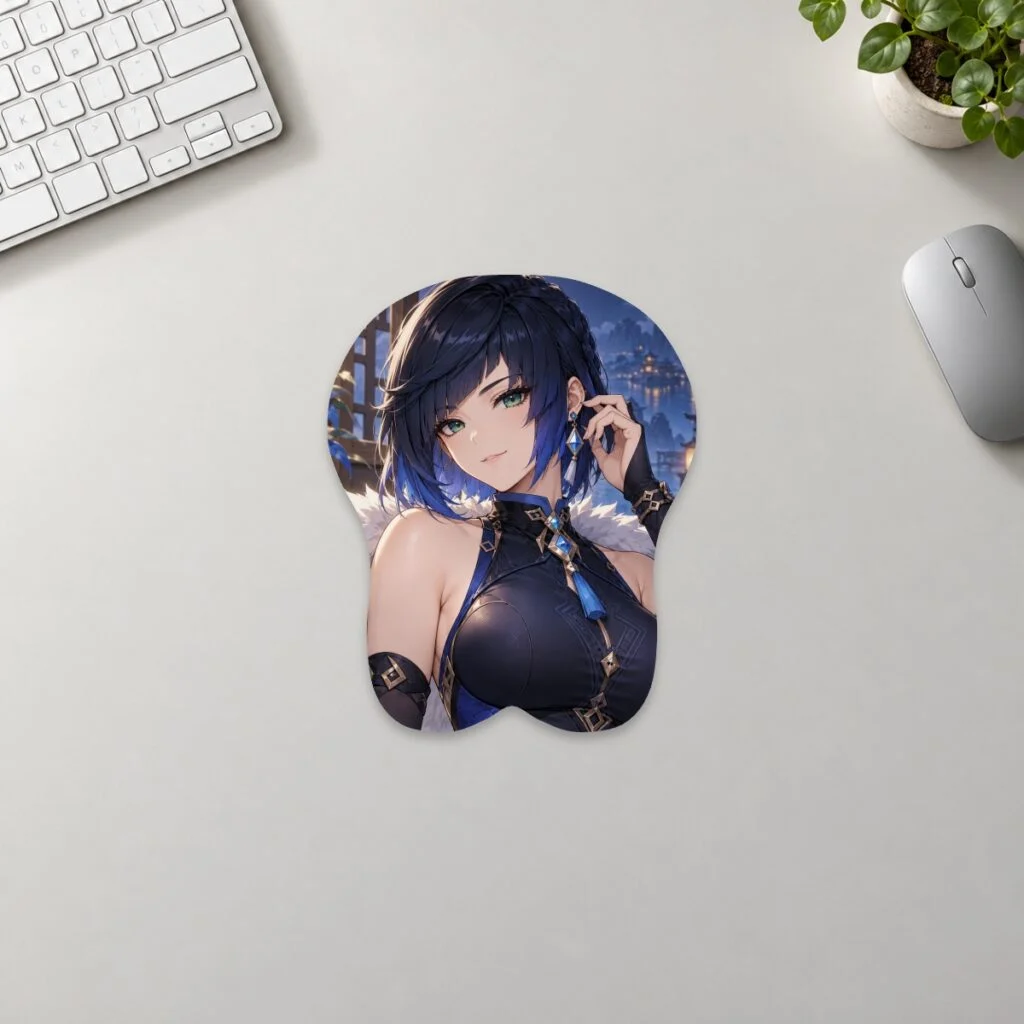
Anime Desk Setup Ideas That Don’t Look Cluttered
Use one colour story, one hero piece and clear working zones to build an anime desk that feels personal without looking crowded.